Retriever AI
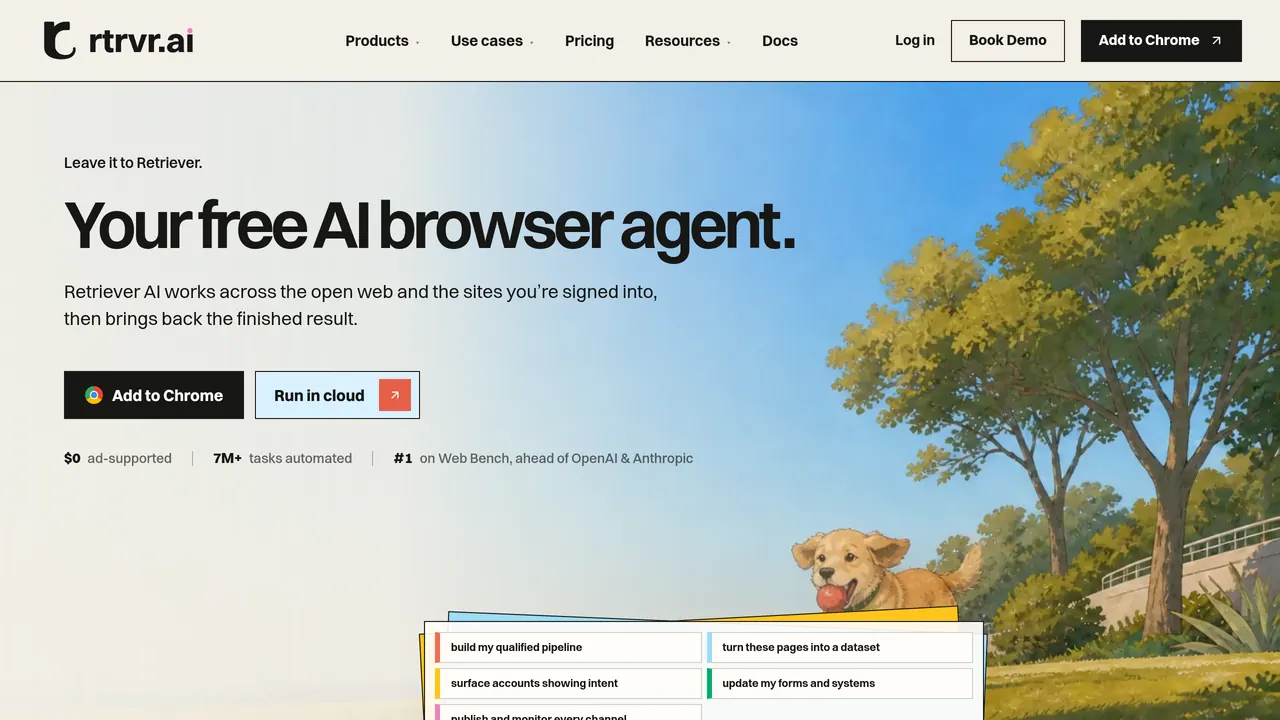
Free AI browser agent in Chrome and the cloud that scrapes sites, enriches leads and fills forms, also by API.
Retriever AI, or rtrvr, is a browser agent that works in your signed-in Chrome or cloud browsers to scrape pages into sheets, enrich and contact leads, fill forms and update your tools, also via API, MCP or CLI. The free plan is ad-supported with a daily fair-use allowance; paid plans start at $9.99 a month for 1,000 credits.
About Retriever AI
Retriever AI describes itself as a free AI browser agent. In the Chrome extension it works on the page you have open with your existing logins, and it acts on the page structure (DOM) rather than taking over your mouse or screen. Cloud runs the same agent in hosted browsers, in parallel or on a schedule, and Cookie Sync lets those browsers use the sessions you choose to sync from Chrome.
Typical jobs include scraping a site into columns you describe, building a lead list from an event page or directory with matched profiles and verified emails, watching pages such as competitor pricing or job boards for changes, and working through forms and job applications from a sheet of rows, including uploading an attached resume. Integrations read and update Gmail, HubSpot, Notion, Slack and GitHub, and n8n, Make or Zapier can start a run.
Developers reach the same agent through an Agent API that plans and completes a browser job, a Scrape API that returns page text and structure, an MCP server for clients such as Claude and Codex, and a CLI installed from npm that by default uses your Chrome when it is available and the cloud when it is not. Runs can use rtrvr credits, a ChatGPT or Claude plan, an API key or a local model.
Free Mode covers supported AI models and cloud browser time for tasks you start in the extension or Cloud dashboard, with sponsored cards and a daily fair-use allowance, and new accounts get 100 one-time welcome credits. Paid plans are ad-free and add schedules, triggers, webhooks, Cookie Sync and API, MCP and WhatsApp runs: Starter is $9.99 a month for 1,000 credits, Pro $29.99 for 3,000, Team $99.99 for 10,000 and Scale $499.99 for 50,000. One credit equals one cent.
Sources: rtrvr.ai, /pricing, /integrations, /docs/faq, /appsumo, /docs/api, /docs/cli, /docs/mcp and /docs/quick-start, read 2026-10-27
Retriever AI pros and cons
Pros
- The free plan is ongoing rather than a trial and needs no AI subscription, API key or card.
- Browser tools that let your own AI drive your Chrome over MCP are free on every plan, and when your own AI provider handles the model call, rtrvr charges no model credits for it.
- In the extension the agent uses the sessions already in your browser, so you do not share credentials with it.
- Team and Scale include Private Mode, which runs workflows with zero data retention.
Cons
- The free plan shows a sponsored card with results and has a daily fair-use limit, and only paid plans are ad-free, even if you bring your own AI provider.
- Schedules, triggers, Cookie Sync, API runs, rtrvr's agent over MCP and WhatsApp tasks all require a paid plan.
- Unused monthly credits do not roll over to the next billing month.
- Schedules set in the extension run inside your Chrome, so they execute only while the browser is open; round-the-clock runs need Cloud.
Tagged
- Agentic Mode
Retriever AI alternatives
The closest alternatives to Retriever AI.
- 01Freemium →Argos
Chrome side-panel AI agent that does tasks on the page you are on and keeps going after you close the tab.
- 02Freemium →HARPA AI
Browser extension with GPT, Claude and Gemini chat plus web automation, page monitors and summaries.
- 03→Sider
AI sidebar and browser agent for Chrome and Edge that chats about pages, automates web tasks and edits sites.
Related reading
Featured on Vibedonalds
Own Retriever AI? Add this badge to your site to show you’re listed — and link back to your profile here.

<a href="https://vibedonalds.com/tools/retriever-ai" target="_blank" rel="noopener">
  <img src="https://vibedonalds.com/badge/featured-on-vibedonalds.svg" alt="Retriever AI — Featured on Vibedonalds" width="240" height="60" loading="lazy" />
</a>Frequently asked questions
- What is Retriever AI?
- Retriever AI is a free AI browser agent in Chrome and the cloud that scrapes sites, enriches leads and fills forms, also by API.
- What platforms does Retriever AI support?
- Retriever AI's own site lists it for Web and CLI.
- What are the alternatives to Retriever AI?
- The closest alternatives to Retriever AI are Argos, HARPA AI, Sider.
- What are the downsides of Retriever AI?
- The free plan shows a sponsored card with results and has a daily fair-use limit, and only paid plans are ad-free, even if you bring your own AI provider. Schedules, triggers, Cookie Sync, API runs, rtrvr's agent over MCP and WhatsApp tasks all require a paid plan. Unused monthly credits do not roll over to the next billing month. Schedules set in the extension run inside your Chrome, so they execute only while the browser is open; round-the-clock runs need Cloud.
- Is Retriever AI free?
- Yes. Free Mode is an ongoing free plan for tasks you start in the Chrome extension or Cloud dashboard, with supported AI models included, sponsored cards and a daily fair-use allowance. New accounts also get 100 one-time welcome credits. API runs, the MCP Cloud tools and WhatsApp tasks need a paid plan.
- How much does Retriever AI cost?
- Starter costs $9.99 a month for 1,000 credits, Pro $29.99 for 3,000, Team $99.99 for 10,000 and Scale $499.99 for 50,000; one credit equals one cent, and extra seats on Pro, Team and Scale are $9.99 per seat. A lifetime deal is also sold on AppSumo, with one-time tiers from $49. Rover, the in-product agent, has its own plans.
- Can I use my own AI model?
- Yes. You can sign in with a ChatGPT plan or add an API key for OpenAI GPT models, Google Gemini, DeepSeek, OpenRouter models or a local or custom endpoint. When your provider handles the model call, rtrvr charges no model credits for it, though cloud resources and managed services may still use credits.
- Which browsers does the extension work in?
- The site's install button is 'Add to Chrome', and its AppSumo FAQ says any Chromium browser works, including Edge, Arc, Comet and Dia. Each Chrome or Chromium profile with the extension registers as a separate device, and Cloud-only tools need no extension at all.
- What is Rover?
- Rover is a separate Retriever AI product: an AI customer engineer that demos your product, gets new customers live and answers their questions inside it. You add it to your site with one script tag. Rover has its own plans; the rtrvr plans cover Chrome, Cloud, API and MCP.