Argos
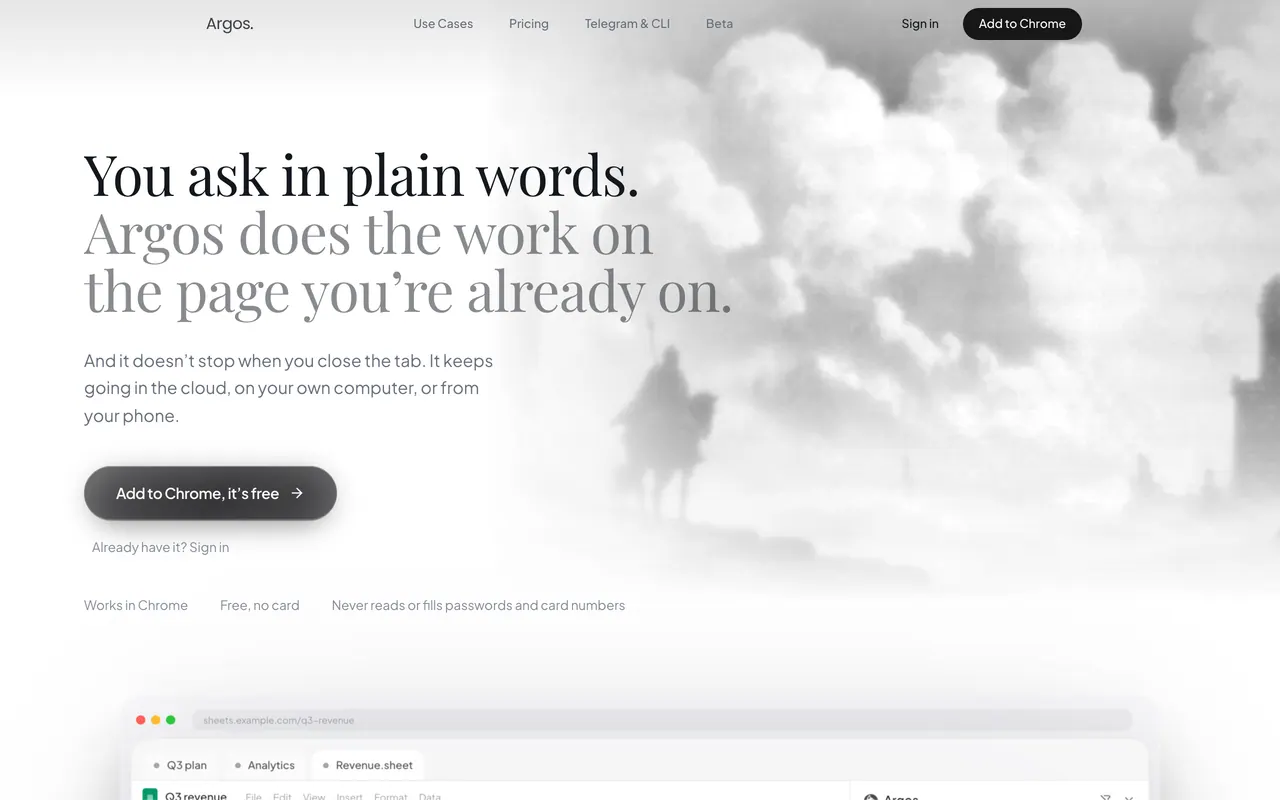
Chrome side-panel AI agent that does tasks on the page you are on and keeps going after you close the tab.
Argos is an AI agent in Chrome's side panel that does tasks on the page you are on, such as filling forms or turning a table into a spreadsheet, and can keep going in the cloud, on your computer or from Telegram. The free plan is metered at 50 tasks a week; Pro is $15 a month on monthly billing or $12 a month billed annually.
About Argos
Argos works on the page in front of you, as you, using your own logged-in session, so there is nothing to connect for sites you are already signed in to. The homepage lists filling forms, turning on-screen tables, dashboards and lists into a spreadsheet, document or chart, working calculus problems step by step, and sending several agents to different sites at once, each in its own tab. It keeps one memory across the browser, Telegram and the CLI, which you can see and delete.
Closing the tab stops what runs in the browser, but a task can carry on in the cloud, on a schedule, and report back in Telegram, on the free plan too. Argos also answers on Telegram and WhatsApp and sends files such as PDFs and spreadsheets to the chat, and it works with tools like Gmail, Google Docs, Slack and GitHub. The side panel needs Chrome's side panel API, so it runs in Chrome, Edge and Brave on a computer but not in Opera, Firefox, Safari or Zen.
Pro adds a desktop agent for macOS, Windows and Linux, installed with one terminal command that also installs Node if needed. It drives your computer through a real shell and your own Chrome profile, and destructive commands such as rm -rf, sudo or git push wait for your explicit yes. The agent uses your own model key from Gemini, Claude, OpenAI, OpenRouter or a local Ollama, paid to the provider with no markup, and the vendor says your key, files and browser profile never leave your machine.
Argos's FAQ says it will not type into password or card fields and skips them when reading a page, a refusal built into the extension itself. The content of the page you point it at is sent to the model, and the FAQ says it is not sold or used to train anyone's model. Signing in takes a Google account, and the beta page announces iPhone, Android and native Mac apps for the coming Argos 3.0.
Sources: trylyto.com, /terms, tryargos.cc/cli, tryargos.cc and tryargos.cc/beta, read 2026-10-27
Argos pros and cons
Pros
- A free plan needs no card and includes the extension, Telegram, WhatsApp and the cloud agent.
- It works as you on sites where you are already signed in, with no passwords to hand over.
- Tasks can keep running after you close the tab and report back in Telegram.
- The desktop agent waits for your explicit yes before destructive commands, and runs on your own model key with no markup.
Cons
- The panel needs Chrome's side panel API, so it does not run in Firefox, Safari, Opera or Zen.
- The free plan is capped at 50 tasks a week and has no agent on your own computer.
- The desktop agent needs Pro and a one-line terminal install.
- There is no iPhone, Android or native Mac app yet; the beta page lists them as coming.
Tagged
- Web-based
- Agentic Mode
Argos alternatives
The closest alternatives to Argos.
- 01Freemium →HARPA AI
Browser extension with GPT, Claude and Gemini chat plus web automation, page monitors and summaries.
- 02→Sider
AI sidebar and browser agent for Chrome and Edge that chats about pages, automates web tasks and edits sites.
- 03Free →Comet
Perplexity's Chromium-based AI browser with Perplexity search and an assistant that works on open web pages.
Related reading
Featured on Vibedonalds
Own Argos? Add this badge to your site to show you’re listed — and link back to your profile here.

<a href="https://vibedonalds.com/tools/argos" target="_blank" rel="noopener">
  <img src="https://vibedonalds.com/badge/featured-on-vibedonalds.svg" alt="Argos — Featured on Vibedonalds" width="240" height="60" loading="lazy" />
</a>Frequently asked questions
- What is Argos?
- Argos is a chrome side-panel AI agent that does tasks on the page you are on and keeps going after you close the tab.
- Is Argos free?
- Argos offers a free tier and paid plans with higher limits or premium features.
- What platforms does Argos support?
- Argos's own site lists it for Web, CLI, macOS, Windows and Linux.
- What are the alternatives to Argos?
- The closest alternatives to Argos are HARPA AI, Sider, Comet.
- What are the downsides of Argos?
- The panel needs Chrome's side panel API, so it does not run in Firefox, Safari, Opera or Zen. The free plan is capped at 50 tasks a week and has no agent on your own computer. The desktop agent needs Pro and a one-line terminal install. There is no iPhone, Android or native Mac app yet; the beta page lists them as coming.
- Is Argos free?
- Yes, there is a free plan with no card required: 50 tasks a week, up to 3 scheduled tasks, the extension, Telegram, WhatsApp, the cloud agent and integrations such as Gmail, GitHub and Slack. It has no agent on your own computer; Pro removes the weekly limit and adds one.
- How much does Argos Pro cost?
- Pro is $15 a month on monthly billing or $12 a month billed annually, which comes to $144 a year, with a 3-day free trial. Team starts at $120 a month on monthly billing or $96 a month billed annually ($1,152 a year) and covers 5 to unlimited users.
- Which browsers does Argos work in?
- Chrome on a computer, plus Edge and Brave, because the panel is built on Chrome's side panel API; Opera, Firefox, Safari and Zen have no such API. Without the extension, the same agent works through Telegram or the CLI, with the same memory.
- Does Argos see my passwords?
- Its FAQ says the extension will not type into a password or card field and skips those fields when it reads a page. The page content you point it at is sent to the model, and Argos says that content is not sold or used to train anyone's model.
- Does Argos work when my browser is closed?
- Yes: a task can carry on in the cloud, on a schedule, and report back in Telegram, on the free plan too. With Pro, a desktop agent on macOS, Windows or Linux can also run tasks on your own computer, with your files and logged-in browser.