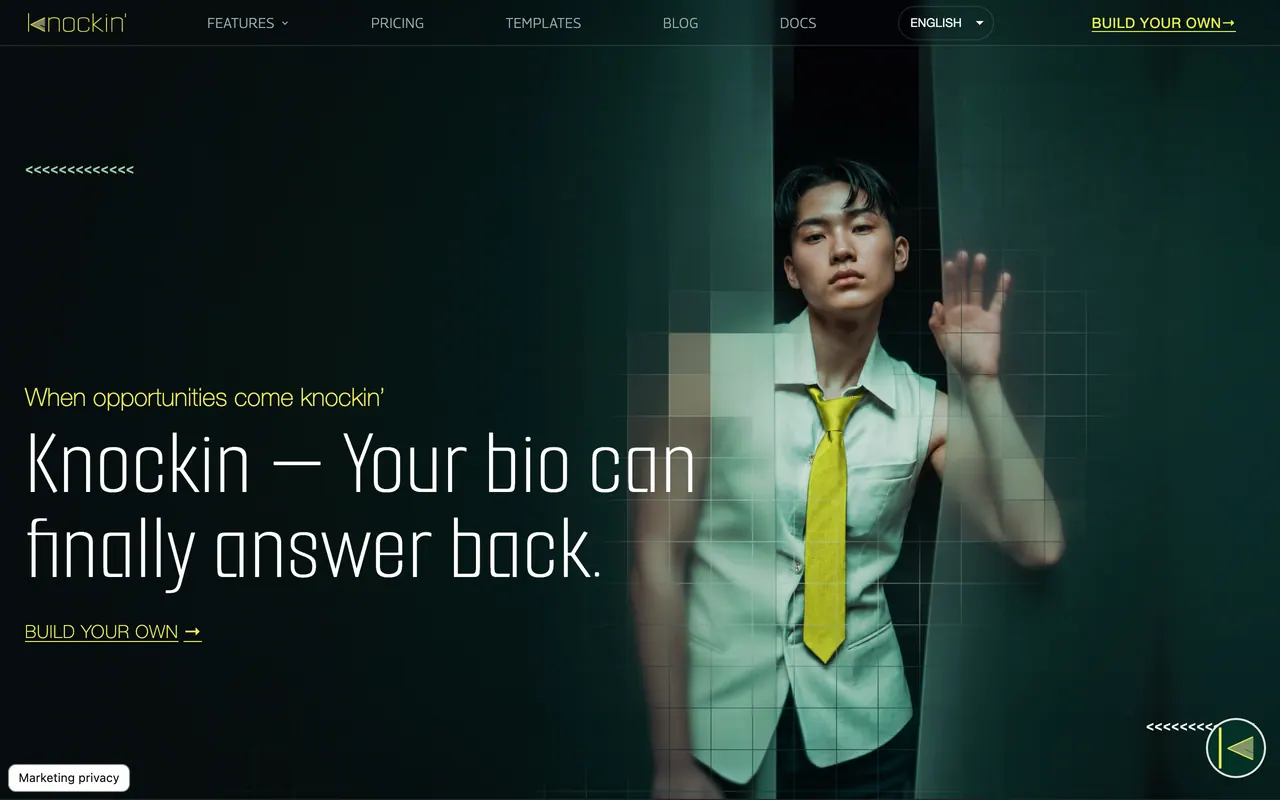
Knockin'
AI business card that answers visitors from your own material and books meetings through Google Calendar.
Knockin, run by Lucius AI, turns your bio into a shareable AI business card whose concierge answers visitors from knowledge you approve, remembers who they are and books meetings through Google Calendar. Starter is $6 a month billed annually or $8 billed monthly, with 800 credits.
About Knockin'
You build the card in a Card Editor from your name, role, company, the contact details you choose to show, a profile photo and a Showcase of up to 10 links to your work, styled with templates, colors and fonts. In Knowledge you add text, upload files up to 25 MB, including PDF, DOCX, TXT, images, audio and video sound, add a public web page, or import your profile from LinkedIn's official data export.
The AI concierge answers in a persona you pick, Mochi, Alfred, Claire or Bolt, or one you create, and follows the tone, topics, goals and stop conditions you set. Knockin says it declines unsupported questions, pauses around private, sensitive or high-impact decisions and hands those conversations back to you with a summary. You test it in a preview and correct wrong answers, which updates its knowledge.
You publish the card at a public URL and share it as a link, a QR code or a card image that includes the QR code. Visitors can talk to it without an account, and AI Contacts keeps each visitor's questions, interests and return visits together. You can also add contacts by scanning a paper business card, scanning another Knockin card's QR code or typing them in.
Starter includes 800 credits, Growth 1,600 and Scale 4,000; billed annually they cost $6, $12 and $30 a month, and billed monthly $8, $15 and $35. Templates, the logo upload, custom colors and background images depend on your plan, and the logo upload is marked Growth. Knockin uses the OpenAI API, and its terms say it does not train its own general-purpose models on your content or let AI providers do so on its behalf.
Sources: knockin.info, /pricing, /features/ai-agent, /features/ai-contacts, /features/knowledge-engine, /terms and /help, read 2026-10-27
Knockin' pros and cons
Pros
- Every answer traces back to knowledge you chose to share, and a sources view shows what an answer used.
- A LinkedIn import uses LinkedIn's own export file, so you do not give Knockin your LinkedIn password.
- Scheduled syncs keep linked sources from going stale.
- The homepage says signing up needs no credit card.
Cons
- The pricing page lists only paid plans, and the terms say only that Knockin may offer free and paid plans, so what Start for free includes is unclear.
- Fees are generally non-refundable, including for partial periods and unused allowances, and paid subscriptions renew automatically unless checkout says otherwise.
- Anything you publish can be seen by anyone with the link or QR code and may be indexed or copied by third parties.
- Under the terms, unused allowances generally expire at the end of the billing period rather than rolling over.
Tagged
- Web-based
- Agentic Mode
Knockin' alternatives
More from AI Productivity.
- 01Freemium →Cotypist
Mac autocomplete app that predicts your next words in most apps, with AI models that run on your Mac.
- 02→Backgrind
Run your AI agents over any app, even games.
- 03→Grok by SpaceXAI for Word
Draft, restructure & tighten wording from panel inside Word
- 04→Slackbot’s MCP Client
Work across 20+ apps in Slack with multiplayer collaboration
- 05→WorkClaw
Collaborative, proactive AI coworkers who work in Slack
- 06Free →Juno
Free, open-source dictation app for Mac that writes cleaned-up text where you type, processed on-device.
Related reading
Featured on Vibedonalds
Own Knockin'? Add this badge to your site to show you’re listed — and link back to your profile here.

<a href="https://vibedonalds.com/tools/knockin" target="_blank" rel="noopener">
  <img src="https://vibedonalds.com/badge/featured-on-vibedonalds.svg" alt="Knockin' — Featured on Vibedonalds" width="240" height="60" loading="lazy" />
</a>Frequently asked questions
- What are the alternatives to Knockin'?
- Similar tools in AI Productivity on vibedonalds: Cotypist, Backgrind, Grok by SpaceXAI for Word, Slackbot’s MCP Client.
- What are the downsides of Knockin'?
- The pricing page lists only paid plans, and the terms say only that Knockin may offer free and paid plans, so what Start for free includes is unclear. Fees are generally non-refundable, including for partial periods and unused allowances, and paid subscriptions renew automatically unless checkout says otherwise. Anything you publish can be seen by anyone with the link or QR code and may be indexed or copied by third parties. Under the terms, unused allowances generally expire at the end of the billing period rather than rolling over.
- What is Knockin?
- Knockin is an AI business card. You publish a card with your details and work, give it knowledge such as documents, web pages or a LinkedIn export, and visitors who open the link or scan the QR code can ask its AI concierge questions. It can also book meetings through Google Calendar.
- How much does Knockin cost?
- Starter is $6 a month billed annually or $8 billed monthly, with 800 credits; Growth is $12 or $15 with 1,600 credits; Scale is $30 or $35 with 4,000 credits. The site invites you to start for free with no credit card, but its pricing page lists no free plan.
- Who makes Knockin?
- Knockin is operated by Lucius AI, according to its terms of service, and its AI answers use the OpenAI API.
- Does Knockin train AI on my content?
- Its terms say Knockin does not use private content, uploaded knowledge, visitor conversations or contact details to train its own general-purpose AI models, and does not authorize AI providers to train such models on them for it. Relevant content may be sent to OpenAI to produce answers.
- How do visitors reach my card?
- Through your public link, a QR code you show or save, or a card image that carries the QR code. Visitors can talk to the card without creating an account.