Inbox Zero
Open-source email client for Gmail and Outlook with paid AI that labels mail and drafts replies in your voice.
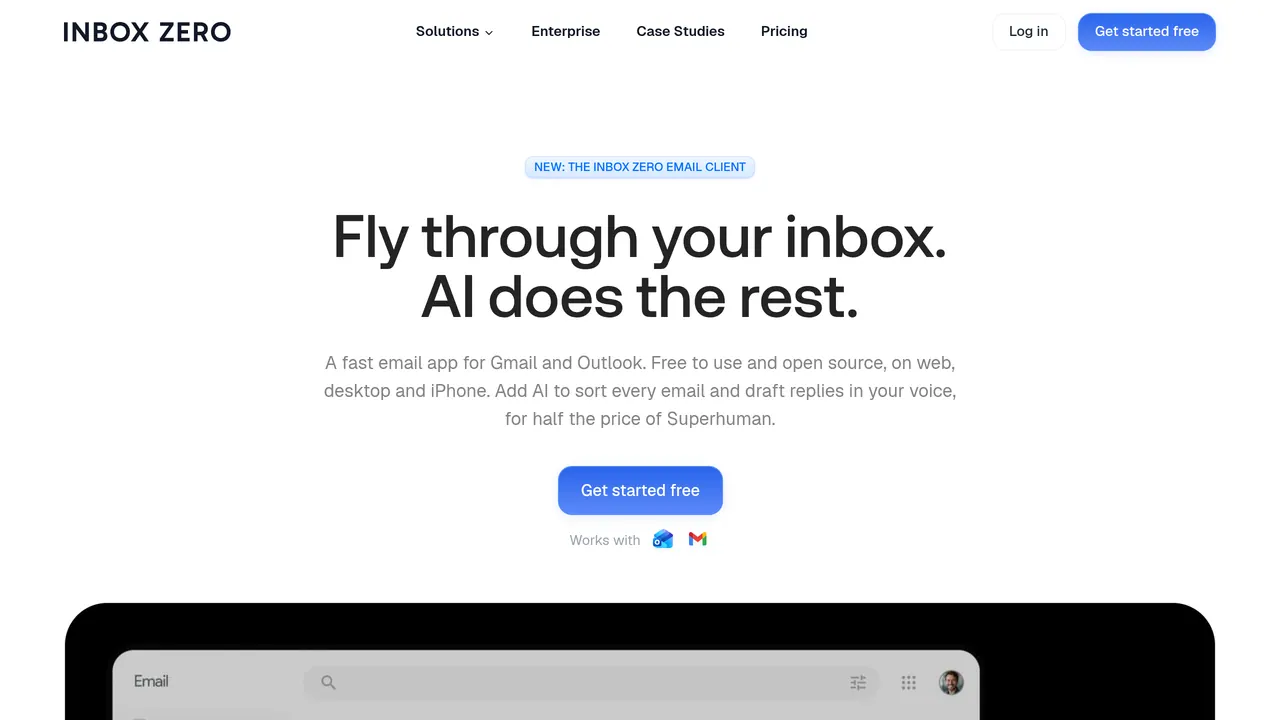
Inbox Zero is a keyboard-first email client for Gmail and Outlook on web, Mac, Windows and iPhone, with an AI assistant that labels every email and drafts replies in your voice; its web and desktop apps are AGPL open source. The email app is free; AI plans start at $18 per user a month billed annually or $20 billed monthly.
About Inbox Zero
The email client is built for the keyboard: J and K move between emails, E archives, H snoozes, Z undoes, and ⌘K searches every command. AI labels each email as it arrives and splits the inbox into tabs such as To Reply, Newsletter and Calendar, and you can describe a new split in plain English. When an email needs a reply, a draft written in your style, with context from your past emails and calendar, is already waiting.
It connects to existing Gmail, Google Workspace and Outlook accounts, so there is nothing to migrate, and shows work and personal accounts in one inbox. Teammates can comment beside an email and @mention each other, and comments are never sent as email. You can also skip the client: the assistant runs in the background of Gmail or Outlook, and you can chat with it from Slack or Telegram, use slash commands such as /summary and /draftreply, and get meeting briefs before calls.
The web and desktop client and the AI assistant are open source, the client under the AGPL, and Inbox Zero can be self-hosted; the iPhone app is not open source yet. Inbox Zero says it is SOC 2 Type 2 certified and CASA Tier 2 accredited and does no AI training on your data. AI costs are covered by default, but you can plug in your own key from providers such as Anthropic, OpenAI, Google, Groq or OpenRouter. A CLI lets coding agents such as Claude Code or Codex manage email rules and pull inbox analytics as JSON.
The email app is free on web, desktop and iPhone; you pay only for AI. Billed annually, Starter is $18 per user a month, Plus $28 and Professional $42; billed monthly they are $20, $35 and $50. Starter sorts mail, drafts replies, blocks cold email, bulk-unsubscribes and archives, and adds analytics and meeting briefs; Plus adds 2 email accounts per user, an AI meeting notetaker, Slack and app integrations and an unlimited knowledge base; Professional adds team-wide analytics and priority support.
Sources: getinboxzero.com/email-client, /pricing, /download, docs.getinboxzero.com/introduction, /slack-integration, /telegram-integration, /enterprise, /cli and docs.getinboxzero.com/essentials/api-keys, read 2026-10-27
Inbox Zero pros and cons
Pros
- The email client itself is free on web, Mac, Windows and iPhone, and you pay only if you want the AI.
- Drafts appear only for emails that need a reply; newsletters, receipts and notifications are labeled and left alone.
- You can bring your own API key from providers such as Anthropic, OpenAI or Google, and that provider bills you directly.
- Inbox Zero asks for approval before sending replies or taking other high-impact actions.
Cons
- There is no free AI plan: sorting and drafting need a paid plan, and the 7-day trial asks for a credit card.
- The iPhone app is not open source, and the Android app is an older version that Inbox Zero says is due for an update.
- Two included email accounts per user, the AI meeting notetaker, app integrations and an unlimited knowledge base start with Plus, at $28 per user a month billed annually.
Tagged
- Self-hostable
- Bring Your Own Key
- Web-based
- Open Source
Inbox Zero alternatives
More from AI Productivity.
- 01Paid →nxt
Voice to-do app for iPhone, iPad, Apple Watch and Android that files spoken tasks and suggests what's next.
- 02Freemium →Macro
Open-source workspace putting email, chat, docs, tasks, calls, a CRM and AI agents in one tab.
- 03→Glaze by Raycast
Create your own Mac apps by chatting with AI
- 04→Acti
Agentic keyboard for mobile commands and search
- 05→Pluno
Browser agent that’s 10x faster than Claude
- 06→discode.ai
100+ AI models, one interface. ECO friendly.
Related reading
Featured on Vibedonalds
Own Inbox Zero? Add this badge to your site to show you’re listed — and link back to your profile here.

<a href="https://vibedonalds.com/tools/inbox-zero" target="_blank" rel="noopener">
  <img src="https://vibedonalds.com/badge/featured-on-vibedonalds.svg" alt="Inbox Zero — Featured on Vibedonalds" width="240" height="60" loading="lazy" />
</a>Frequently asked questions
- What is Inbox Zero?
- Inbox Zero is an open-source email client for Gmail and Outlook with paid AI that labels mail and drafts replies in your voice.
- What platforms does Inbox Zero support?
- Inbox Zero's own site lists it for Web, macOS, Windows, iOS, Android and CLI.
- What are the alternatives to Inbox Zero?
- Similar tools in AI Productivity on vibedonalds: nxt, Macro, Glaze by Raycast, Acti.
- What are the downsides of Inbox Zero?
- There is no free AI plan: sorting and drafting need a paid plan, and the 7-day trial asks for a credit card. The iPhone app is not open source, and the Android app is an older version that Inbox Zero says is due for an update. Two included email accounts per user, the AI meeting notetaker, app integrations and an unlimited knowledge base start with Plus, at $28 per user a month billed annually.
- Is Inbox Zero open source?
- Yes, the web and desktop email client and the AI assistant are open source, with the code on GitHub, and the email client is licensed under the AGPL. Inbox Zero can be self-hosted. The iPhone app is a separate app and is not open source yet; Inbox Zero says it plans to open it.
- Is Inbox Zero free?
- The email app is free on web, desktop and iPhone. The AI features, such as the sorted inbox and drafted replies, need a paid plan, and AI plans include a 7-day free trial that asks for a credit card.
- How much does Inbox Zero cost?
- Billed annually, Starter is $18 per user a month, Plus $28 and Professional $42; billed monthly they are $20, $35 and $50. Enterprise pricing is custom. Inbox Zero offers a refund on request within 14 days of upgrading, and discounts for students, nonprofits and open-source projects by email.
- How is Inbox Zero different from Superhuman?
- Inbox Zero describes itself as an open-source alternative to Superhuman for Gmail and Outlook, with AI drafts, a split inbox and team comments built in, and says its AI costs half the price of Superhuman. Both statements are Inbox Zero's own.
- Does Inbox Zero work with Outlook?
- Yes, it supports Gmail, Google Workspace and Microsoft Outlook accounts. You can read Gmail and Outlook side by side in the email client, or keep using Outlook while the assistant works in the background.