Wispr Flow Notetaker
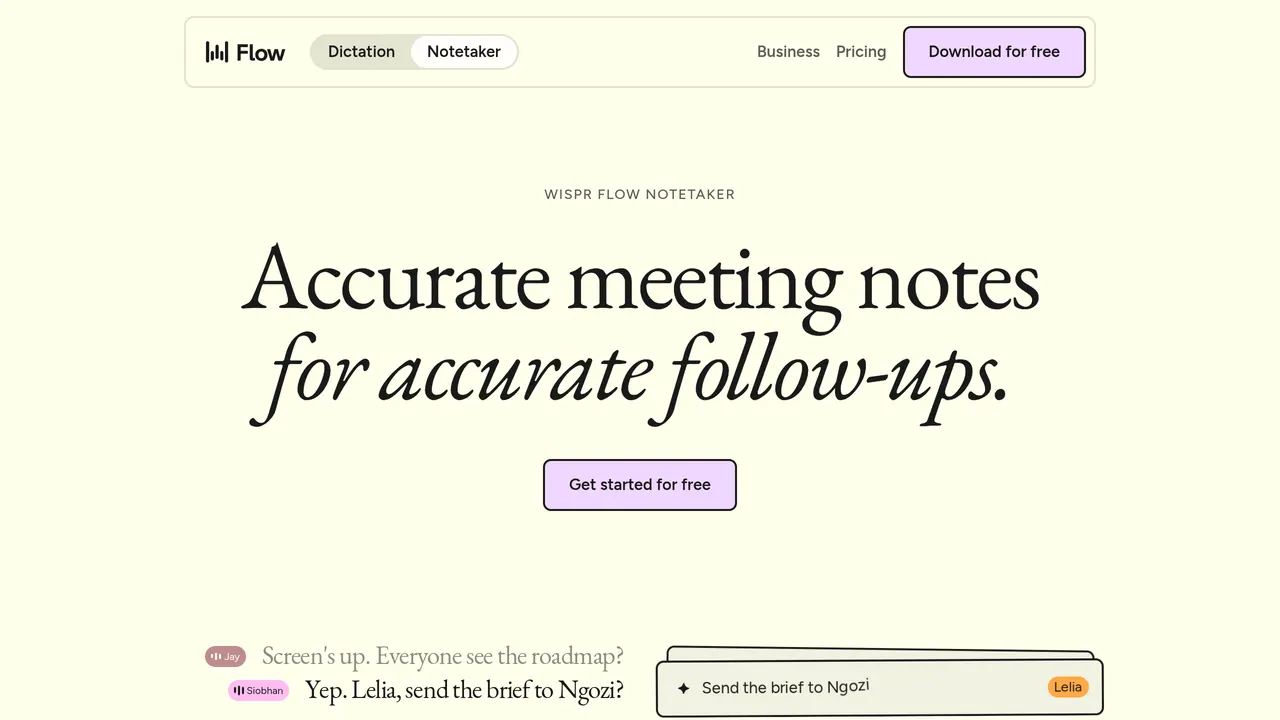
Wispr Flow's AI meeting notetaker for Mac and Windows that records on your computer, so no bot joins the call.
Wispr Flow Notetaker records meetings on your Mac or Windows computer without a bot joining and writes transcripts with named speakers and summaries you can query or use in Claude, ChatGPT or Gemini over MCP. Flow's free plan includes it with a weekly meeting limit; Pro is $12 per user a month billed annually or $15 monthly.
About Wispr Flow Notetaker
Notetaker records from your computer rather than joining as a bot, so it works with anything your computer can play, such as Zoom, Google Meet, Teams, Slack huddles and Discord, and with in-person meetings through the microphone. It detects when you join a meeting but only transcribes after you click Start Notetaker, and for calls that aren't on your calendar it asks whether to start taking notes.
To get names and jargon right, it starts from the people on your calendar invite and the names in your personal dictionary, and after the meeting another AI model runs through the recording again to fix mistakes before the summary is written; the polished transcript then labels speakers by full name. During a call, 'What did I miss?' summarises the last few minutes, and you can ask questions across your past meetings and the web, with links back to each source.
Notes, summaries and transcripts reach Claude, ChatGPT, Gemini, Cursor or any tool that supports MCP through a remote MCP server that needs no API keys; authorising a tool gives it read access to every meeting on your account, with no per-meeting or time-range control. You can import your Granola or Otter history, and transcription supports 21 languages.
Notetaker is included with Wispr Flow, and the same subscription covers Flow Dictation. Free has limited Notetaker access with a weekly meeting limit; Pro, at $12 per user a month billed annually or $15 billed monthly, adds higher limits and longer history; Growth is $18 a month billed annually or $23 monthly per user, or $26 and $33 with its Unlimited Notetaker access switch on. Enterprise is custom-priced and available annually.
Sources: wisprflow.ai/pricing, /enterprise-privacy, docs.wisprflow.ai/articles/5166327995-switching-to-wispr-flow-keep-all-your-notetakers-in-one-place-mcp, /notetaker and /pricing, read 2026-10-27
Wispr Flow Notetaker pros and cons
Pros
- No bot joins your calls, and nothing has to be let into the meeting.
- The free plan includes speaker identification, questions about any meeting and MCP access to Claude, ChatGPT and other AI tools.
- Wispr says Notetaker creates no voiceprints, never sells your content and doesn't use it to train AI models without your consent.
- Quick recordings under five minutes don't count toward the weekly meeting limit.
Cons
- Because it records locally instead of joining as a bot, participants may get no automatic notice that they are being transcribed, and telling them is your job.
- Accepting a HIPAA BAA turns Notetaker off, because its subprocessors aren't covered by BAAs yet.
- Wispr Flow transcribes in the cloud, processes and stores data in the United States, and offers no on-prem, private-tenant or offline deployment.
Tagged
- Web-based
Wispr Flow Notetaker alternatives
The closest alternatives to Wispr Flow Notetaker.
- 01Freemium →Granola
Bot-free AI notepad for meetings that turns your device audio and jottings into notes, on desktop and mobile.
- 02Freemium →Supernormal
Bot-free meeting notetaker for Mac and Windows with AI agents that turn calls into decks, docs and briefs.
- 03Freemium →Otter.ai
AI meeting notetaker that joins Zoom, Teams and Meet or records bot-free, with live transcripts and AI Chat.
Related reading
Featured on Vibedonalds
Own Wispr Flow Notetaker? Add this badge to your site to show you’re listed — and link back to your profile here.

<a href="https://vibedonalds.com/tools/wispr-flow-notetaker" target="_blank" rel="noopener nofollow">
  <img src="https://vibedonalds.com/badge/featured-on-vibedonalds.svg" alt="Wispr Flow Notetaker — Featured on Vibedonalds" width="240" height="60" loading="lazy" />
</a>Frequently asked questions
- What is Wispr Flow Notetaker?
- Wispr Flow Notetaker — Wispr Flow's AI meeting notetaker for Mac and Windows that records on your computer, so no bot joins the call.
- What platforms does Wispr Flow Notetaker support?
- Wispr Flow Notetaker's own site lists it for macOS and Windows.
- What are the alternatives to Wispr Flow Notetaker?
- The closest alternatives to Wispr Flow Notetaker are Granola, Supernormal, Otter.ai.
- What are the downsides of Wispr Flow Notetaker?
- Because it records locally instead of joining as a bot, participants may get no automatic notice that they are being transcribed, and telling them is your job. Accepting a HIPAA BAA turns Notetaker off, because its subprocessors aren't covered by BAAs yet. Wispr Flow transcribes in the cloud, processes and stores data in the United States, and offers no on-prem, private-tenant or offline deployment.
- Is Wispr Flow Notetaker free?
- Yes, within limits: Notetaker is included with Wispr Flow, whose free plan is free forever and has a weekly meeting limit that resets every week. Pro, $12 per user a month billed annually or $15 billed monthly, includes more meetings kept for longer.
- Which Wispr Flow plans include Notetaker?
- All of them. Free has limited access with a weekly meeting limit, and Pro adds higher limits and longer history at no extra cost, though Wispr is rolling Notetaker out to Pro users gradually. Growth offers Unlimited Notetaker access at $26 per user a month billed annually or $33 monthly, instead of $18 or $23.
- Does Wispr Notetaker use a bot?
- No. It records on your computer, so no bot joins and nothing has to be let into the meeting, and it works with any meeting app, including Zoom, Google Meet, Teams, Slack huddles and Discord, and with in-person conversations.
- Can I use my meeting notes in Claude or ChatGPT?
- Yes, on every plan, through MCP: Wispr Flow's settings add it to Claude, ChatGPT, Gemini or Cursor, and other tools use https://api.wisprflow.ai/connect/mcp. The connector reads every meeting on your account but not dictation history, custom connectors need a paid plan on your AI tool, and email-and-password accounts must sign in with Google, Apple, Microsoft or SSO to authorise it.
- What languages does Notetaker support?
- Notetaker transcription supports 21 languages, among them English, Spanish, French, German, Portuguese, Chinese, Japanese, Korean, Hindi and Arabic. Wispr says more are coming soon, and other languages may give mixed results until then.