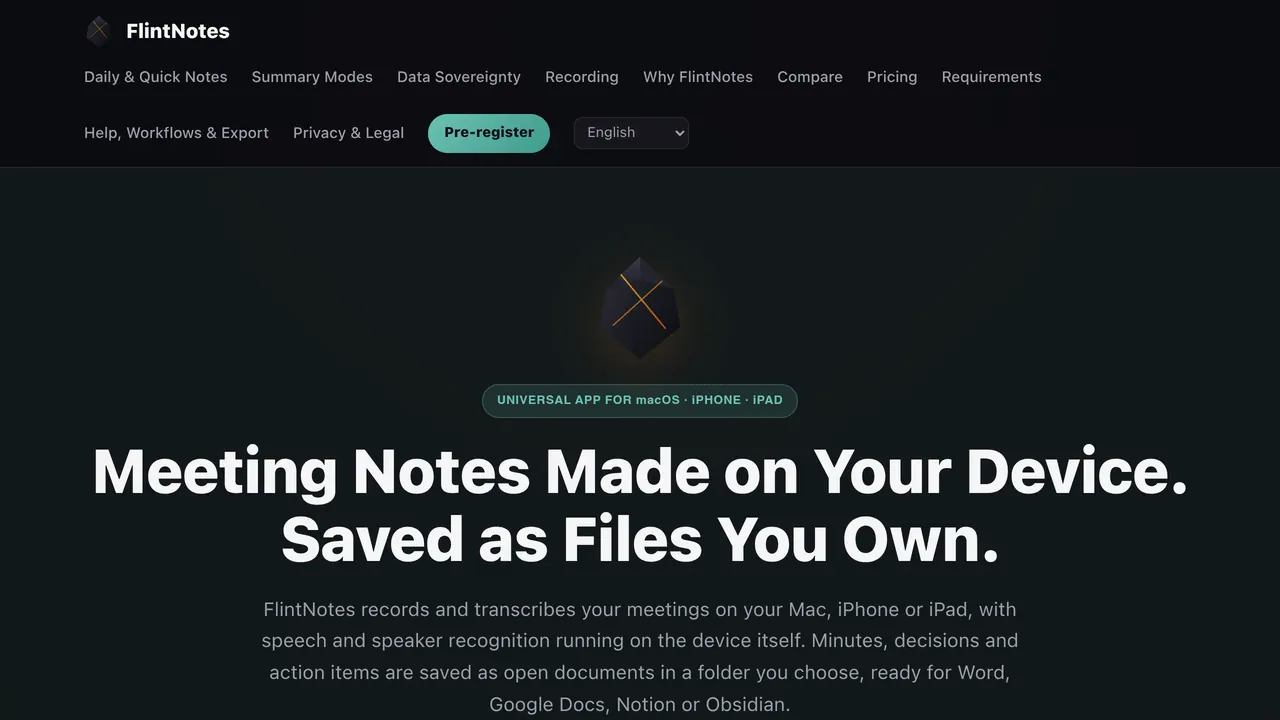
FlintNotes — Record, transcribe, and summarize meetings privately on Apple devices Records and transcribes meetings on Mac, iPhone, and iPad using on-device speech and speaker recognition.
About FlintNotes
FlintNotes is an AI productivity app that records, transcribes, and summarizes meetings and voice notes on Apple devices.
Its distinctive edge is a privacy-focused workflow: speech and speaker recognition run on-device, while minutes, decisions, and action items are saved as regular files in a user-controlled folder. Pro users can connect their own AI server for full-depth summaries.
It suits people who want meeting notes ready for Word, Google Docs, Notion, or Obsidian, as well as Pro users who operate their own AI server. Its main limitation is Apple-only support across Mac, iPhone, and iPad, so it does not fit workflows requiring other device platforms.
Among meeting transcription and AI note-taking tools, FlintNotes combines on-device processing with user-controlled files and optional self-hosted AI summaries.
Sources: this listing
FlintNotes pros and cons
Pros
- Records and transcribes meetings on Mac, iPhone, and iPad using on-device speech and speaker recognition.
- Saves minutes, decisions, and action items as regular files in a user-controlled folder for use with Word, Google Docs, Notion, or Obsidian.
- Offers daily and quick voice notes, system-wide voice-to-keyboard, discreet recording, and 15 structured AI summary modes.
- Pro users can connect their own AI server to keep data fully private and generate full-depth summaries.
Cons
- The app is limited to the Apple ecosystem, including Mac, iPhone, and iPad.
Tagged
- Self-hostable
- Bring Your Own Key
- Supports Local Models
FlintNotes alternatives
More from AI Productivity.
- 01Freemium →BrowserAct
No-code AI web scraper that builds reusable Bots in the cloud, plus a CLI that gives local agents a browser.
- 02→Crewdle AI
Use every business AI tool without every subscription
- 03→Propane
Customer intelligence platform that turns scattered feedback into signals for product teams and coding agents.
- 04Freemium →Cotypist
Mac autocomplete app that predicts your next words in most apps, with AI models that run on your Mac.
- 05→Backgrind
Run your AI agents over any app, even games.
- 06→Grok by SpaceXAI for Word
Draft, restructure & tighten wording from panel inside Word
Related reading
Featured on Vibedonalds
Own FlintNotes? Add this badge to your site to show you’re listed — and link back to your profile here.

<a href="https://vibedonalds.com/tools/flintnotes" target="_blank" rel="noopener nofollow">
  <img src="https://vibedonalds.com/badge/featured-on-vibedonalds.svg" alt="FlintNotes — Featured on Vibedonalds" width="240" height="60" loading="lazy" />
</a>Frequently asked questions
- What is FlintNotes?
- FlintNotes — Record, transcribe, and summarize meetings privately on Apple devices
- What platforms does FlintNotes support?
- FlintNotes runs on iOS.
- What are the alternatives to FlintNotes?
- Similar tools in AI Productivity on vibedonalds: BrowserAct, Crewdle AI, Propane, Cotypist.
- What are the downsides of FlintNotes?
- The app is limited to the Apple ecosystem, including Mac, iPhone, and iPad.