Cotypist
Mac autocomplete app that predicts your next words in most apps, with AI models that run on your Mac.
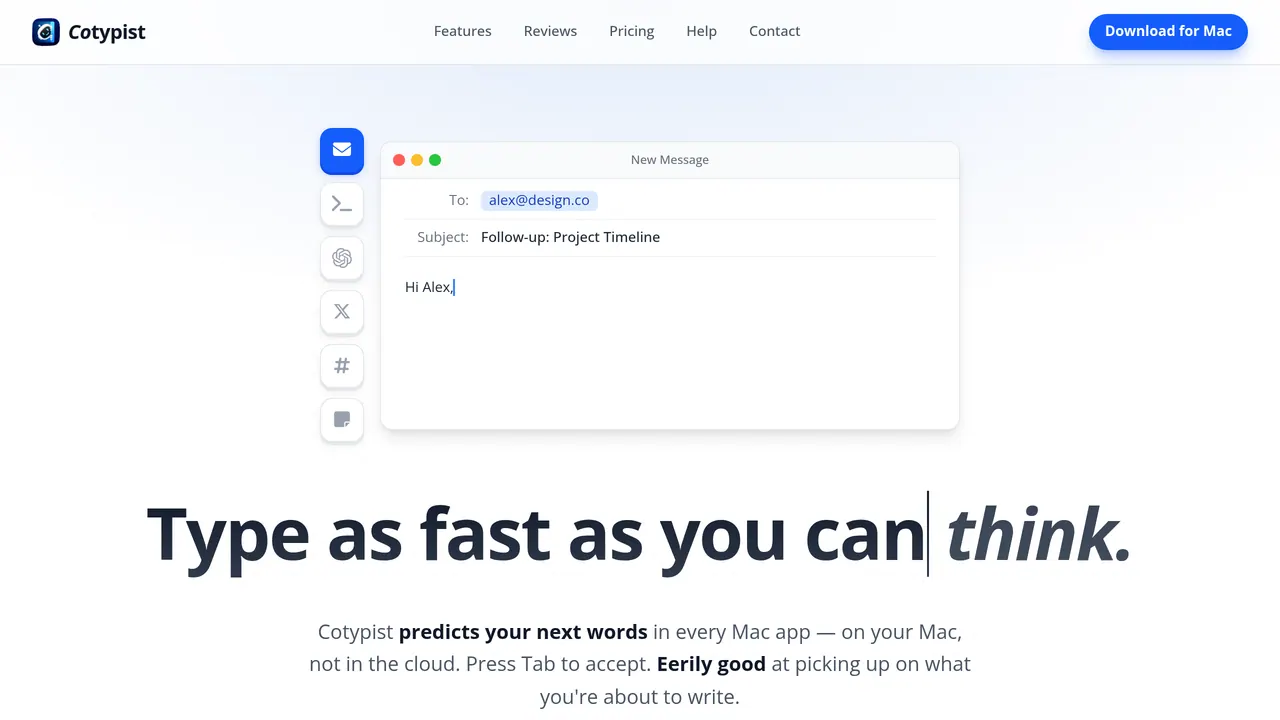
Cotypist is a Mac app that suggests your next words inline in most Mac apps, using AI that runs locally on Apple Silicon, and picks up your vocabulary and phrasing as you write. Free covers 100 completed words a day and every install starts with a 30-day Pro trial; Plus is $8 a month billed monthly or $72 a year billed annually.
About Cotypist
Suggestions appear inline as you type: Tab inserts the next word, so pressing it repeatedly takes only the part you want, and typing on ignores a suggestion. It works with most Mac apps out of the box, including Safari, Chrome, Apple Mail, Word, Apple Notes, Notion, Obsidian and Messages; Google Docs needs Accessibility mode, Arc and Dia need a browser setting, and in terminals it switches on when you type into an AI agent's prompt.
Cotypist says the AI that generates suggestions runs locally on your Mac and works offline, so your writing never has to go to a server; macOS keeps password fields from it. With the optional Screen Recording permission it reads the text around the field you are typing in, using on-device text recognition, and screenshots are never stored or sent. Anonymous usage statistics and crash reports, which Cotypist says never include your text, are sent by default and can be turned off in Settings.
It needs an Apple Silicon Mac running macOS 14 or later, and Intel Macs are not supported; Cotypist recommends an M1 Pro or M2 or higher with 16 GB of memory and says it uses about 1-2.5 GB while active. It performs best in English but supports many other languages.
Free includes 100 completed words a day, after which suggestions fade out gradually, and a curated set of light and mid-size models. Plus, for one Mac, is $8 a month billed monthly or $6 a month billed annually ($72 a year), with unlimited completions, full autocorrect and custom writing instructions. Pro, for up to three Macs, is $12 a month billed monthly or $9 a month billed annually ($108 a year) and adds the largest models, per-app instructions, clipboard awareness, mid-line completion and Cotypist Labs.
Sources: cotypist.app, /pricing and /help/privacy, read 2026-10-27
Cotypist pros and cons
Pros
- Every new install starts with a 30-day Pro trial with no credit card, and when it ends you drop to the Free tier with your settings kept.
- Only words you accept with Tab count toward the Free tier's daily limit; suggestions you ignore are free.
- Recording your writing for personalization and syncing it between Macs are off by default, and synced text is encrypted so that neither Apple nor Cotypist can read it.
- Cotypist does not claim copyright or ownership over text you write with it.
Cons
- There is no Windows or Linux version; Cotypist only collects emails to gauge interest.
- In code editors such as VS Code and Cursor it works only in sidebar chats, not in the main editor.
- Cotypist says its AI can be energy-intensive and that the experience gets smoother on higher-spec Macs.
- The Free tier has no full autocorrect, custom writing instructions or adjustable completion length; it only holds back the next suggestion when it suspects a typo.
Tagged
- Supports Local Models
Cotypist alternatives
The closest alternatives to Cotypist.
Cotypist pricing
Read off the vendor’s own pricing page on 2026-11-06.
| Plan | Price | Best for |
|---|---|---|
| Free | Free | Occasional writing. |
| Plus | $8 /mo | People who write every day. |
| Pro | $12 /mo | Power users who already think faster than they type. |
Full Cotypist pricing breakdown — limits, hidden costs, change log →
Related reading
Featured on Vibedonalds
Own Cotypist? Add this badge to your site to show you’re listed — and link back to your profile here.

<a href="https://vibedonalds.com/tools/cotypist" target="_blank" rel="noopener nofollow">
  <img src="https://vibedonalds.com/badge/featured-on-vibedonalds.svg" alt="Cotypist — Featured on Vibedonalds" width="240" height="60" loading="lazy" />
</a>Frequently asked questions
- What is Cotypist?
- Cotypist is a mac autocomplete app that predicts your next words in most apps, with AI models that run on your Mac.
- Is Cotypist free?
- Yes. Cotypist has a free plan (Free) — 100 completed words a day; 1 Mac; no full autocorrect, configurable completion length, custom writing instructions, per-app instructions, mid-line completion, clipboard awareness, or Cotypist Labs features.. Verified against the vendor's pricing page on 2026-11-06.
- What platforms does Cotypist support?
- Cotypist's own site lists it for macOS.
- What are the alternatives to Cotypist?
- The closest alternatives to Cotypist are Typeahead 2.0, Magical.
- What are the downsides of Cotypist?
- There is no Windows or Linux version; Cotypist only collects emails to gauge interest. In code editors such as VS Code and Cursor it works only in sidebar chats, not in the main editor. Cotypist says its AI can be energy-intensive and that the experience gets smoother on higher-spec Macs. The Free tier has no full autocorrect, custom writing instructions or adjustable completion length; it only holds back the next suggestion when it suspects a typo.
- Does Cotypist send my writing to the cloud?
- Cotypist says no: the AI that generates suggestions runs locally on your Mac, so your writing never has to go to a server. By default it sends anonymous usage statistics and crash reports without your text, and you can turn that off under General → Privacy in Cotypist's settings.
- How much does Cotypist cost?
- Free covers 100 completed words a day. Billed monthly, Plus is $8 and Pro $12 a month; billed annually, Plus is $72 and Pro $108 a year. EU and UK prices include VAT, and elsewhere sales tax may be added at checkout.
- Which Macs does Cotypist support?
- Any Apple Silicon Mac running macOS 14 or later; Intel Macs are not supported. Cotypist recommends an M1 Pro or M2 or higher with 16 GB of memory, and Pro covers up to three of your own Macs on one subscription.
- What does Pro add over Plus?
- Pro covers up to three Macs instead of one and adds the largest models, Gemma 4 26B A4B, Qwen 3 30B-A3B and Qwen 3 8B, plus per-app instructions, clipboard awareness, mid-line completion and early access to Cotypist Labs features.
- Which apps does Cotypist work in?
- Most Mac apps out of the box, including Safari, Chrome, Apple Mail, Word, Apple Notes, Notion, Obsidian and Messages. Google Docs needs Accessibility mode, and in VS Code and Cursor it works in sidebar chats but not the main editor.