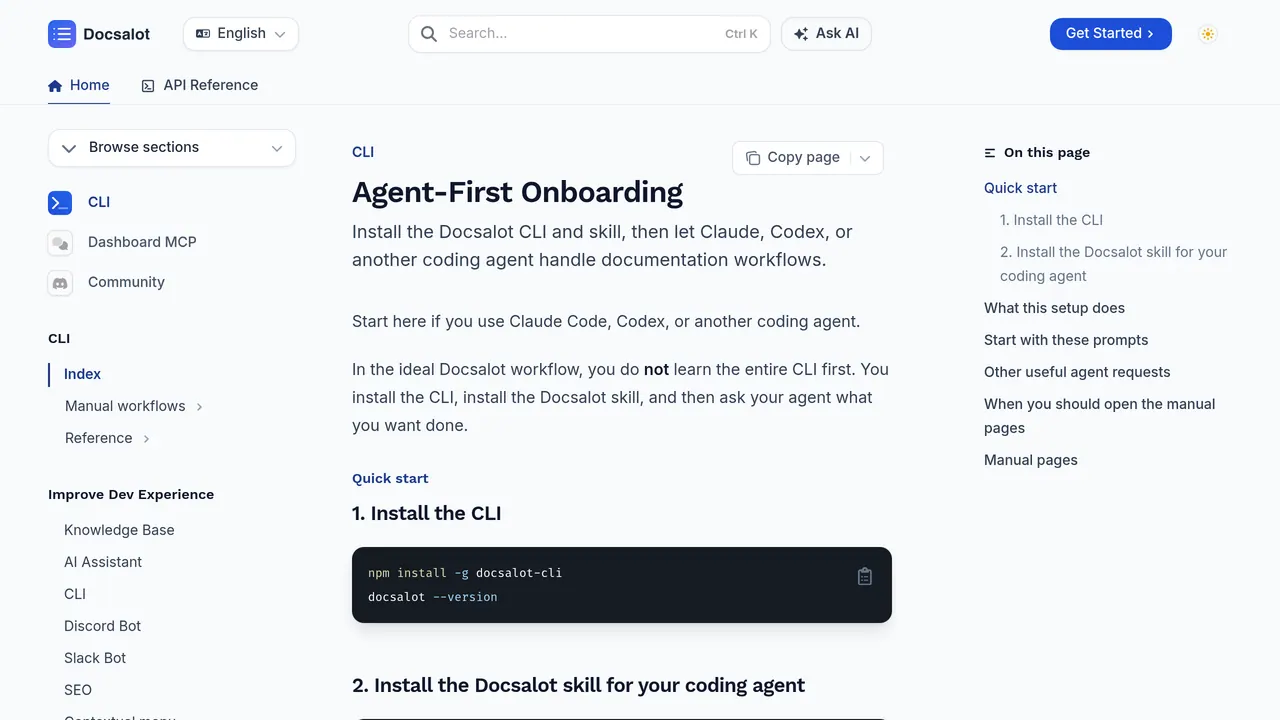
DocsAlot CLI — Let Claude or Codex create and maintain good looking docs Uses Claude AI models to generate and maintain documentation.
About DocsAlot CLI
DocsAlot CLI is an AI coding agent that generates and maintains documentation through Claude and OpenAI Codex models.
Its narrow focus on documentation, rather than general code generation, is its defining trait. It works with both major model families, giving users a choice between Claude and Codex for producing and updating docs.
It fits developers who want a dedicated tool for keeping documentation current using either model family. The honest caveat is that it is listed as a web-based platform only, despite the CLI name suggesting terminal-based workflows may be limited.
Within the AI coding agent category, it occupies a documentation-specific niche alongside broader code-generation tools.
Sources: the tool's official site, this listing
DocsAlot CLI pros and cons
Pros
- Uses Claude AI models to generate and maintain documentation.
- Supports OpenAI Codex models for documentation tasks.
- Focused specifically on creating and maintaining good-looking documentation.
Cons
- Listed as a web-based platform only, despite the CLI name suggesting terminal execution may be limited.
Tagged
- Supports Claude
- Supports GPT
- Web-based
DocsAlot CLI alternatives
More from AI Coding Agents.
- 01→Prime Agent
A coding agent that can refine its own harness
- 02→Paritok
Spend up to 85% less and run 3× longer coding agent sessions
- 03→Toolport
Every tool, one port. One MCP setup for all your AI agents
- 04→AgentConnect
Tag any agent, wherever work happens.
- 05→Coldtea.ai
Make your software self-driving
- 06→ngrok AI Gateway
One private gateway for every AI model
Related reading
Featured on Vibedonalds
Own DocsAlot CLI? Add this badge to your site to show you’re listed — and link back to your profile here.

<a href="https://vibedonalds.com/tools/docsalot-cli" target="_blank" rel="noopener">
  <img src="https://vibedonalds.com/badge/featured-on-vibedonalds.svg" alt="DocsAlot CLI — Featured on Vibedonalds" width="240" height="60" loading="lazy" />
</a>Frequently asked questions
- What is DocsAlot CLI?
- DocsAlot CLI — Let Claude or Codex create and maintain good looking docs
- What are the alternatives to DocsAlot CLI?
- Similar tools in AI Coding Agents on vibedonalds: Prime Agent, Paritok, Toolport, AgentConnect.
- What are the downsides of DocsAlot CLI?
- Listed as a web-based platform only, despite the CLI name suggesting terminal execution may be limited.