The Best AI Coding Tools in 2026
Our pick for the best AI coding tool in 2026 is Claude Code, with OpenAI's Codex a close second — the two frontier coding agents now going head-to-head. Cursor is the nicest editor to work in, but it bills by metered usage and still leans on the same third-party models under the hood, so heavy use gets pricey next to the two. For non-coders, builders like Lovable and Replit turn a prompt into a running app.
This is the Vibedonalds editorial read on the AI coding tools worth your time in 2026 — what each one is actually built for, how it's used day to day, and where the real trade-offs are, especially on price. We don't run lab benchmarks; we pick by what a tool is designed to do and how it holds up on real projects. Every tool we name links to its page in our directory or to the maker's site.
What are the best AI coding tools in 2026?
The short version: the two best AI coding tools right now are agents, not editors. Claude Code is our top pick and OpenAI's Codex is right behind it — both run their maker's own frontier model, live in your terminal, and take on a whole task instead of autocompleting lines. They're now direct rivals, and most serious builders end up running both.
Cursor is the best place to work — a polished, AI-native editor — but it isn't our number one, and the reason is cost: it bills by metered, usage-based credits, and for heavy frontier work it leans on the same third-party models Claude Code and Codex run — so on a big project it can cost more than the flat subscription that already includes one of them. And for people who don't write code at all, the real answer is a different category entirely: prompt-to-app builders like Lovable and Replit.
| Tool | What it is | Best for | Our take |
|---|---|---|---|
| Claude Code | Anthropic's terminal coding agent | Hard, reasoning-heavy work on a real codebase | Our #1 — runs Anthropic's own frontier models, with the deepest customization |
| Codex | OpenAI's terminal coding agent | Delegating and running tasks in parallel | A very close #2 — fast, obedient, and a sharp reviewer |
| Cursor | AI-native VS Code fork | Developers who want one editor to live in | Best editor to work in — but metered usage pricing climbs on heavy projects |
| GitHub Copilot | AI inside your existing IDE | Starting in the editor you already use | The safe default; the broadest IDE and GitHub reach |
| Windsurf | AI-native editor with the Cascade agent | A generous free tier | The other agent editor; the easiest no-cost start |
| Lovable / Replit | Prompt-to-app builders | Non-coders shipping a working app | Skip the editor entirely — describe it, get an app |
Our #1: Claude Code — with Codex right behind it
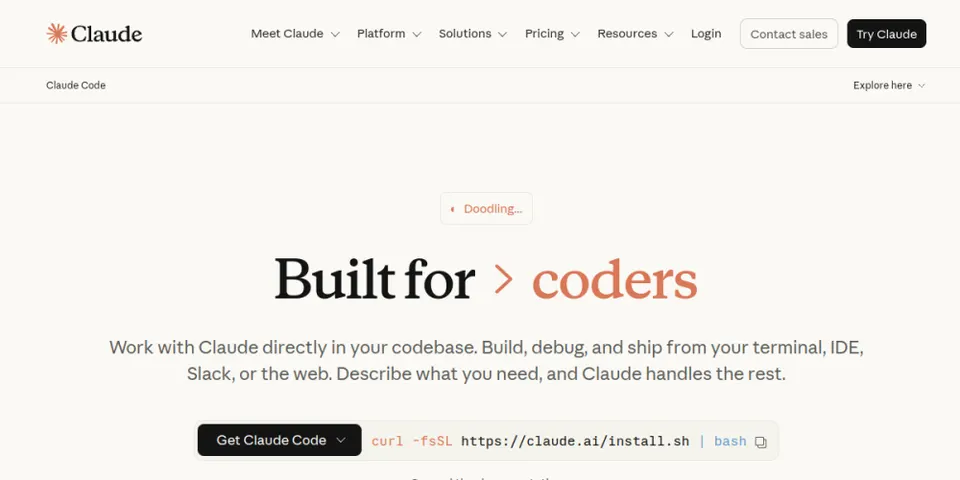
Claude Code is our top pick because it does the hardest part of AI coding best: taking a vague goal, reasoning across a large codebase, and running the whole edit-test-debug loop from the terminal — not just suggesting the next line. It runs Anthropic's own frontier models, and its customization layer — a CLAUDE.md memory file, skills, hooks, subagents, and native MCP — goes deeper than anything else here.
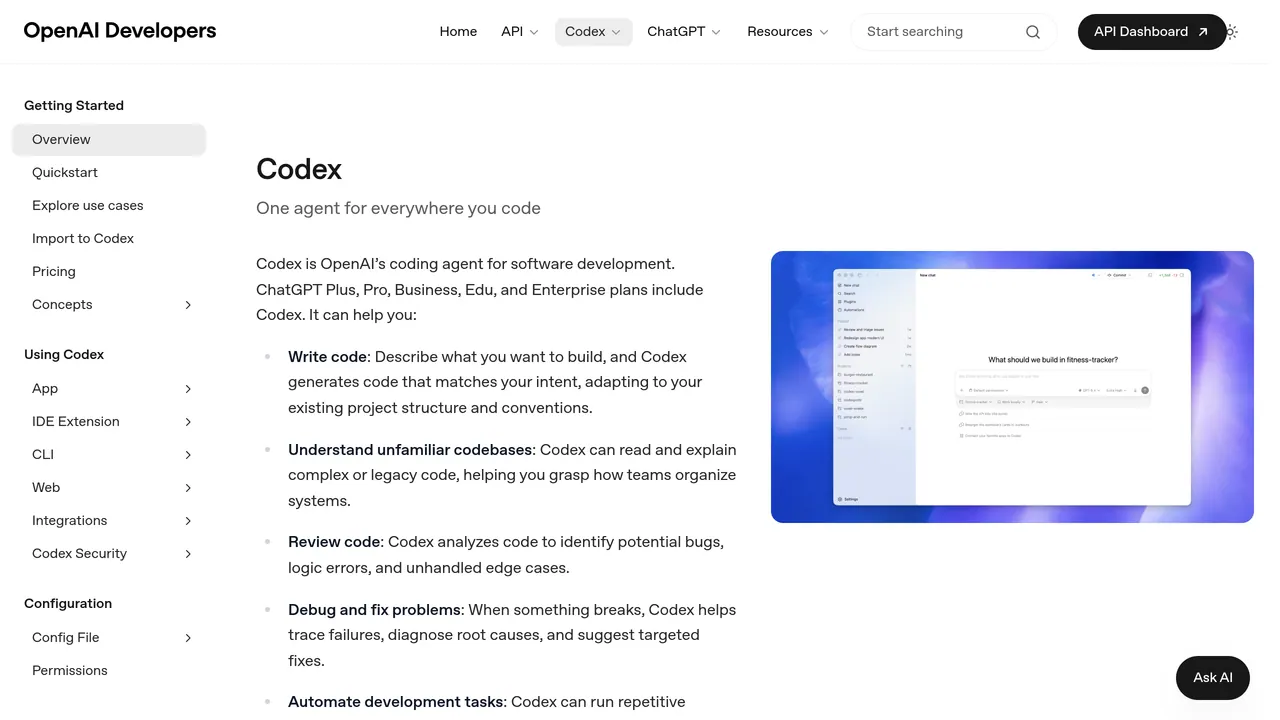
OpenAI's Codex is the close second, and the two are now direct rivals. Codex runs OpenAI's own models and is built around delegation: it's easy to hand it several tasks, run them in parallel, move between local and cloud, and it's a notably sharp code reviewer. A rule of thumb: reach for Claude Code when you want to steer the architecture and be grilled on your plan; reach for Codex when you want fast, obedient execution and a strong second set of eyes. Plenty of teams run both — one builds, the other reviews. We go deeper in our Codex vs Claude Code breakdown.
Hold that ranking loosely, though: which of the two is "better" flips almost month to month. The agents themselves are stable, but the model inside each is locked in a leapfrog race — whoever shipped the newest frontier model tends to lead until the other answers, then it swings back. Today it might be Claude Code; after the next release it could be Codex. So treat any ranking, ours included, as a snapshot of this week, not a verdict — and re-check which model each side is running before you commit to one.
The trait they share is the one that matters most: both are first-party. The company that makes the model also makes the agent, so the model and the harness are tuned together — and both come bundled with a subscription (Claude or ChatGPT) you may already pay for. That last point does more work than it looks, as the next section explains.
Why isn't Cursor number one?
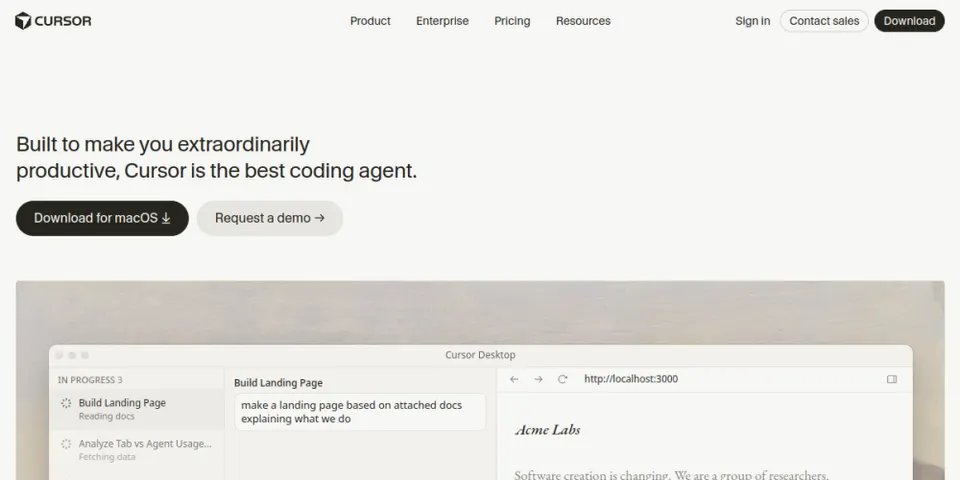
Cursor is genuinely excellent. It's a VS Code fork rebuilt around AI — tab completion, inline edits, an agent, plan and debug modes — and it's the editor most developers reach for when they want one place to work all day. If your question is which editor to live in, Cursor is a great answer.
But it isn't our best-overall pick, and the reason is where its models — and its costs — come from. Cursor doesn't run a foundation model of its own the way Anthropic, OpenAI, and Google do: its in-house Composer models are continued-trained on top of Moonshot's open-weight Kimi K2.5 (Cursor confirmed this on its own blog after it surfaced publicly), and it doesn't own frontier-scale training infrastructure. For the hardest work it still routes to those third-party frontier models and marks their usage up — so that slice of your bill is set by providers Cursor doesn't control, it's metered, and it climbs on a heavy project.
Two honest caveats keep that fair. Cursor's own Composer models are genuinely cheap — for a lot of everyday work they undercut routing to Claude — so "Cursor gets expensive" really means its frontier-model routing gets expensive, not everything it does. And it's a moving target: Cursor is training a from-scratch model, Composer 3, on xAI's Colossus supercomputer, and SpaceX has agreed to acquire its maker, Anysphere, for a reported $60B — a clear push to own the stack it currently rents. Still, today the contrast holds: Claude Code and Codex bundle their maker's own model into a flat Claude or ChatGPT plan, while Cursor's frontier work is pay-as-you-go on models it doesn't own. Treat it as a snapshot, not a permanent verdict, and check current pricing.
| Tool | Models it runs | How you pay |
|---|---|---|
| Claude Code | Anthropic's own (Opus, Sonnet) | Bundled in a Claude plan |
| Codex | OpenAI's own (GPT-5 class) | Bundled in a ChatGPT plan |
| Cursor | Composer (fine-tuned on Moonshot's Kimi K2.5) + rented Anthropic / OpenAI / Google | Metered usage credits — scales with use |
| GitHub Copilot | Rented — Anthropic / OpenAI / Google | Free tier, then metered on paid plans |
Is Cursor still worth it as an editor?
Yes — just know what you're paying for. If you want to sit in one AI-native editor all day and review every change line by line, Cursor is still the most polished option, and the metered cost is reasonable on light-to-medium use. The trap is only the heavy, agent-driven workflow, where the token bill outruns a flat agent subscription. A common setup that sidesteps it: edit in Cursor, but hand the big, multi-file tasks to Claude Code or Codex. If the price is the sticking point, the best AI coding tools covers the cheaper and open-source routes.
What about GitHub Copilot and Windsurf?
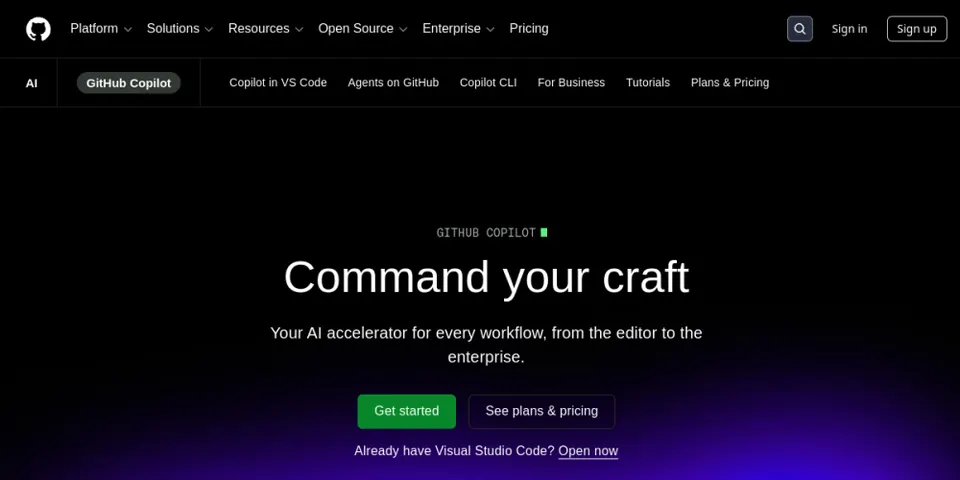
GitHub Copilot is the safe default. It does completion, chat, and an agent mode across VS Code, JetBrains, and the CLI, and it's wired into GitHub pull requests, actions, and code review — so it's the lowest-friction way to add AI to the editor you already use. It runs third-party models rather than one of its own, and paid tiers meter usage — but the free tier and the GitHub-side automation make it an easy starting point.
Windsurf is the other AI-native editor — originally Codeium, now owned by Cognition, the team behind the Devin agent — built around a multi-step Cascade agent. Its free tier needs no credit card, which makes it an easy way to try an agent editor, though the flagship third-party models sit behind the paid plan. If you'd rather stay open-source and bring your own key, Cline and Aider run the agent loop with any model you choose.
- GitHub Copilot
The broadest reach — completion, chat, and agent across VS Code, JetBrains, and the CLI, tied into GitHub. The low-friction default.
- Windsurf
The other agent editor (now under Cognition, the Devin team). Free tier needs no card; flagship models are on the paid plan.
- Cline
Open-source agent inside VS Code, bring-your-own-key — you pay the model provider directly, with no markup.
- Aider
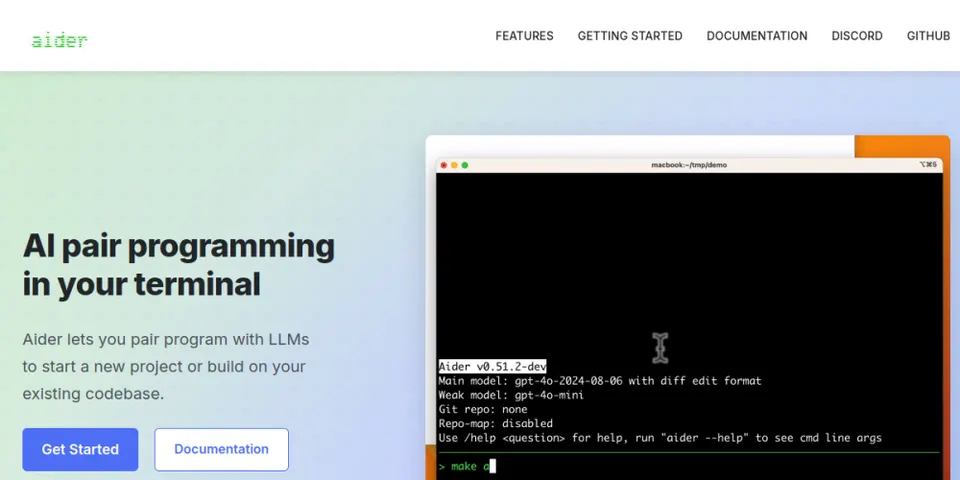
Open-source, git-native CLI agent that commits every change. Minimal, text-first, any model.


What are the best AI coding tools for non-coders?
If you don't write code, the terminal agents above aren't for you — the right category is prompt-to-app builders. You describe the app in plain English and get something running, no editor required. Lovable turns a chat prompt into a full React and Supabase app with auth and a database, and it's especially strong for landing pages and simple MVPs. Replit builds, debugs, and hosts in one workspace — and on your phone. Bolt runs any popular JavaScript framework right in your browser tab, via WebContainers.
The honest limit: these are excellent for prototypes and simple products, and weaker on a mature codebase with a team. When you outgrow one, you export the code and move to an agent like Claude Code. Our Lovable alternatives lays out the full field and which builder removes which limit.
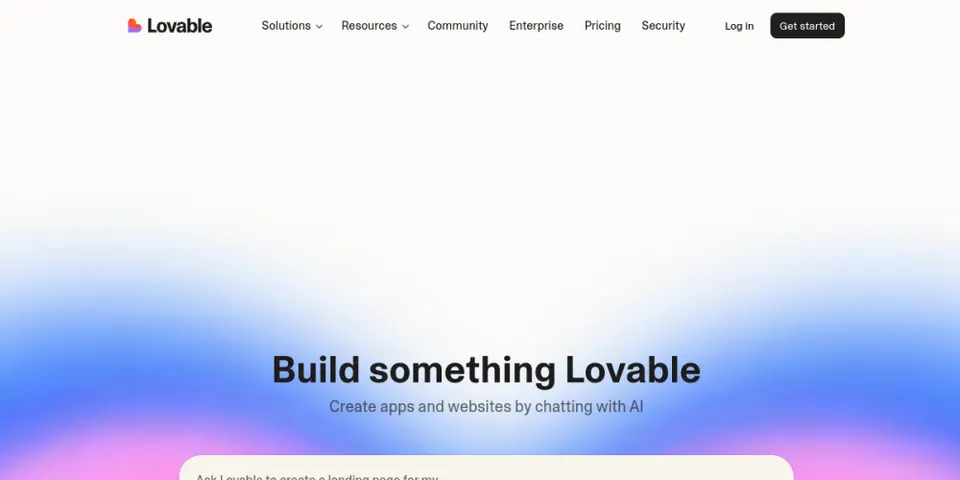
- Lovable
Chat to a full React + Supabase app with auth and a database. Best for landing pages and simple MVPs.
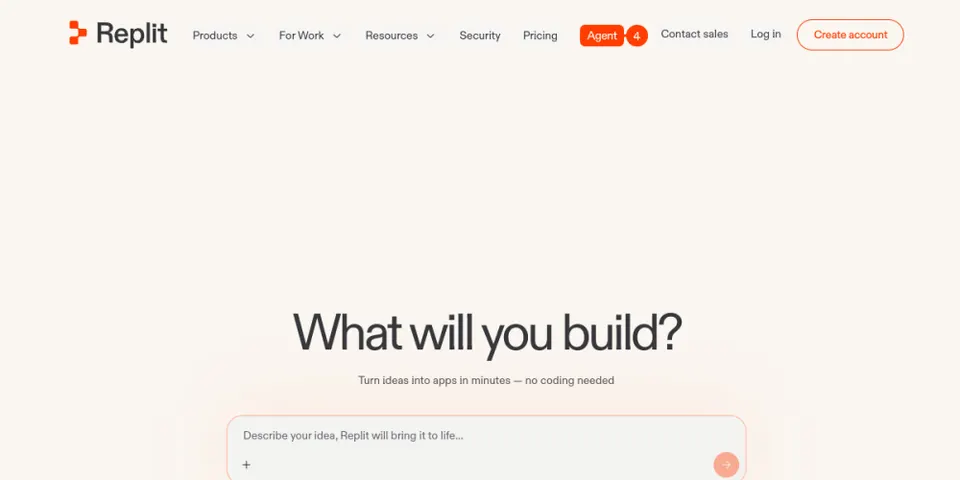
- Replit
Build, debug, and host in one workspace — including from a phone. The all-in-one pick.
- Bolt
Runs a full Node.js runtime in your browser via WebContainers — any popular JS framework. One-click deploy.
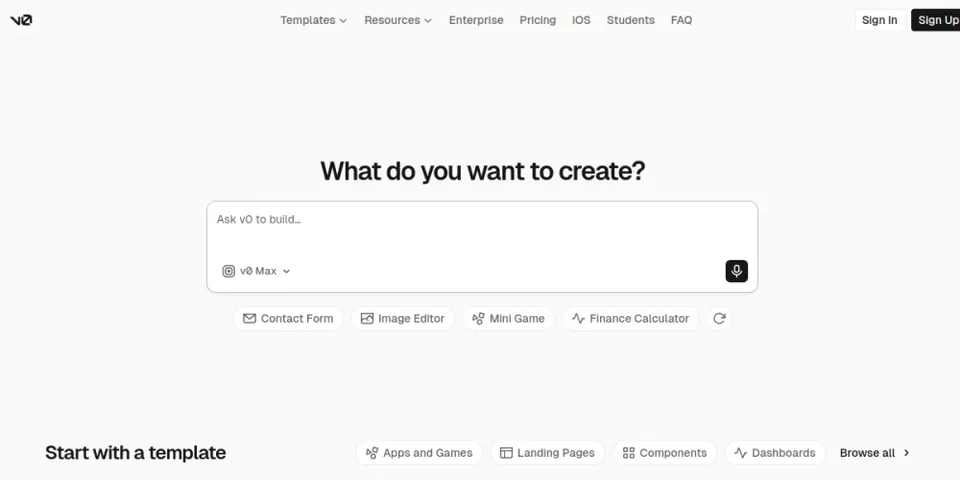
- v0
Vercel's builder — Next.js and shadcn/ui, deployed straight to Vercel. Best if you're already on that stack.

Which AI model should you actually code with?
The agent is only half the story — the model inside it is the other half, and it's the fastest-moving part of this whole race. If you do mix models, a simple split works well in 2026: use a frontier Claude model (Opus-class) as the main coder for logic and implementation; use OpenAI's GPT or Codex for planning and for killing stubborn, looping bugs; and use Gemini for front-end and UI polish — but commit your work first, because it likes to wander. There's no one-size-fits-all model; match it to the task. The Codex vs Claude Code piece covers the model race running underneath the agents.
The tools around the tools
The strongest setups add a few supporting tools around the main agent. MCP servers give the agent live context it would otherwise lack — your library docs, your browser's dev tools, your GitHub repo — instead of you copy-pasting the same things every session. A dedicated code-review agent catches what the coding agent misses, and reviewing in a fresh context (not the one that wrote the code) matters, because the author is biased toward its own work. AI-native docs tools like Mintlify keep documentation in sync as the code changes. And a good dictation tool for prompting — so you talk instead of type — is a small change that quietly speeds up the whole loop.
What actually determines your results (it isn't the tool)
Here's the uncomfortable part. After all the comparisons, the tool matters far less than how you drive it. AI is a multiplier: it amplifies an organized engineer and a well-scoped project, and it amplifies sloppiness just as fast. If the context you give it is garbage, the output is garbage — no matter which tool sits on top.
Three habits separate good results from slop. Plan before you build: write the spec, the stack, and the constraints; jumping straight to "build me this feature" is the classic mistake. Give the tool your project's context once, in a file it reads every session (CLAUDE.md, cursor rules, agents.md), instead of re-explaining yourself. And stay in the loop: delegate the coding, but keep the planning and the review in human hands — hand off everything with no one watching, and one wrong assumption in the spec turns into a dozen bad commits.
So pick one tool that fits how you work and get good at it, rather than switching every week on the strength of a new demo. The setup we'd start with in 2026: Claude Code or Codex as the agent, a clear CLAUDE.md, and a separate review pass before anything ships. New to this? Our guides on how to build an MVP with AI and what an AI agent harness is are the next reads.
Frequently asked questions
- What is the best AI coding tool in 2026?
- Our pick is Claude Code, with OpenAI's Codex a close second — the two frontier coding agents, each running its maker's own model. Cursor is the best editor to work in, but it bills by metered usage and leans on third-party models for frontier work, so it isn't our top overall pick on price. For non-coders, app builders like Lovable and Replit are the answer.
- Is Cursor or Claude Code better?
- For heavy use, Claude Code — it runs Anthropic's own model bundled into a flat Claude plan, while Cursor bills by metered usage and leans on the same third-party models for frontier work, which adds up fast. Cursor is still the nicer editor to sit in all day, so a common setup is to edit in Cursor and hand bigger tasks to an agent like Claude Code.
- Why is Cursor so expensive?
- Not uniformly — its own Composer models are cheap. The bills climb when you route to frontier models from Anthropic, OpenAI, or Google, which Cursor meters and marks up. Cursor doesn't own those models (its Composer line is fine-tuned on Moonshot's open Kimi K2.5) or its training infrastructure, so that cost floor is set by other providers — unlike Claude Code and Codex, which bundle their maker's own model into a flat plan. Cursor is pushing to own more of its stack (a from-scratch Composer 3, and a pending SpaceX acquisition of its maker), so check current pricing.
- What's the best free AI coding tool?
- The open-source route is the genuinely free one: an agent like Cline or Aider paired with a local model (via Ollama) has no per-token cost, as long as your hardware can run it. Windsurf's free tier needs no credit card and is a fine way to try an agent editor, but its flagship models sit behind the paid plan.
- What's the best AI coding tool for non-coders?
- A prompt-to-app builder, not a coding agent. Lovable, Replit, and Bolt turn a plain-English description into a running app with a database and hosting, with no editor required.
- Which AI model is best for coding?
- There's no single winner. A common 2026 split: a frontier Claude model (Opus-class) to write the code, OpenAI's GPT or Codex for planning and stubborn bugs, and Gemini for front-end and UI. Match the model to the task.