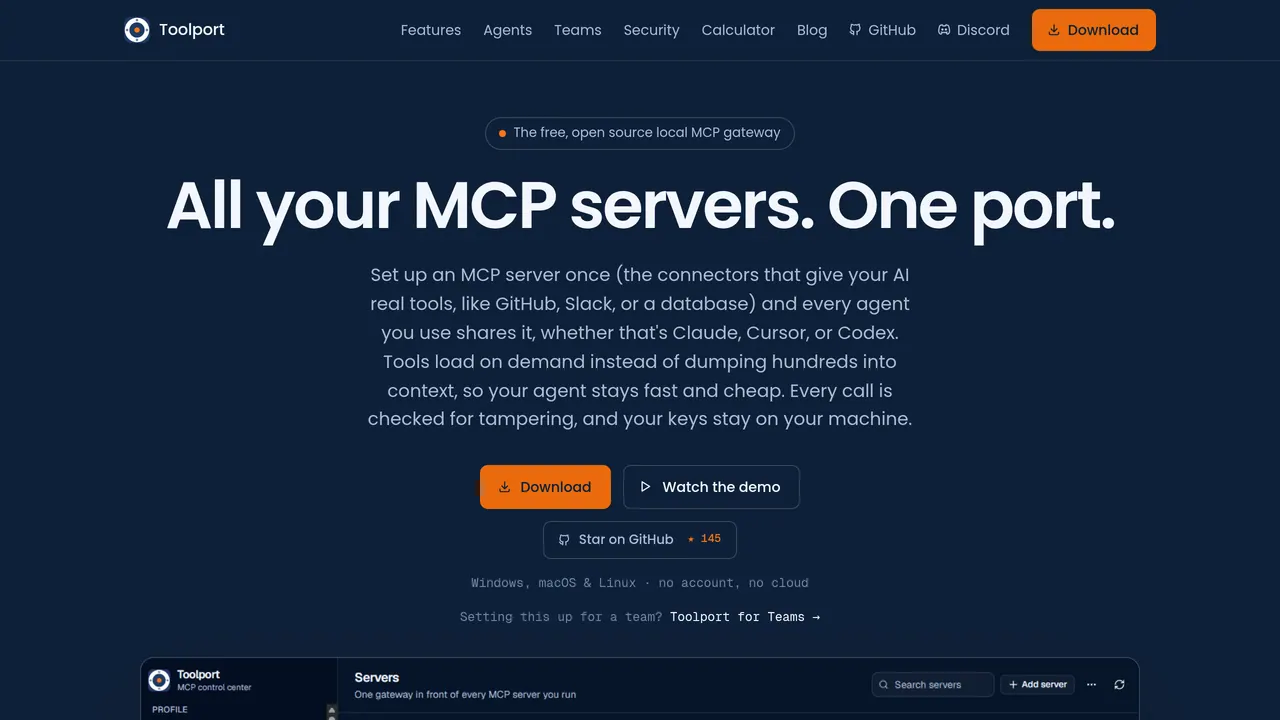
Toolport — Every tool, one port. One MCP setup for all your AI agents Provides a unified MCP setup for connecting multiple AI agents through a single port.
About Toolport
Toolport is an AI coding agents platform that provides a unified MCP setup for connecting multiple AI agents through a single port.
Its distinguishing feature is consolidating tool access behind one port, so a single MCP configuration serves many agents instead of each agent wiring up its own integrations.
It fits teams or developers running several AI coding agents who want one place to manage integrations. The honest caveat is limited public documentation on specific integrations and supported tools, which leaves gaps for anyone trying to verify compatibility up front.
It sits alongside other MCP-based tools built for simplifying multi-agent development workflows.
Sources: the tool's official site, this listing
Toolport pros and cons
Pros
- Provides a unified MCP setup for connecting multiple AI agents through a single port.
- Web-based platform for managing tool integrations across AI coding agents.
Cons
- Limited public documentation on specific integrations and supported tools.
Tagged
- Web-based
- MCP Support
Toolport alternatives
More from AI Coding Agents.
- 01→GitHits beta 0.9
Give your AI coding agent access to open-source code
- 02→Daemons by Charlie Labs
Keep PRs, issues, CI, and docs moving with AI agents
- 03→Swytchcode CLI
Give agents reliable access to 2,000+ APIs w/ durable state
- 04→Edgee Turbo Models
Use Claude Code with Kimi K2.7 Code, MiniMax M2.7, and more
- 05→PandaProbe Cloud
agent engineering, fully managed.
- 06→Novu Connect
Ship agents where your users already work
Related reading
Featured on Vibedonalds
Own Toolport? Add this badge to your site to show you’re listed — and link back to your profile here.

<a href="https://vibedonalds.com/tools/toolport" target="_blank" rel="noopener">
  <img src="https://vibedonalds.com/badge/featured-on-vibedonalds.svg" alt="Toolport — Featured on Vibedonalds" width="240" height="60" loading="lazy" />
</a>Frequently asked questions
- What is Toolport?
- Toolport — Every tool, one port. One MCP setup for all your AI agents
- What are the alternatives to Toolport?
- Similar tools in AI Coding Agents on vibedonalds: GitHits beta 0.9, Daemons by Charlie Labs, Swytchcode CLI, Edgee Turbo Models.
- What are the downsides of Toolport?
- Limited public documentation on specific integrations and supported tools.