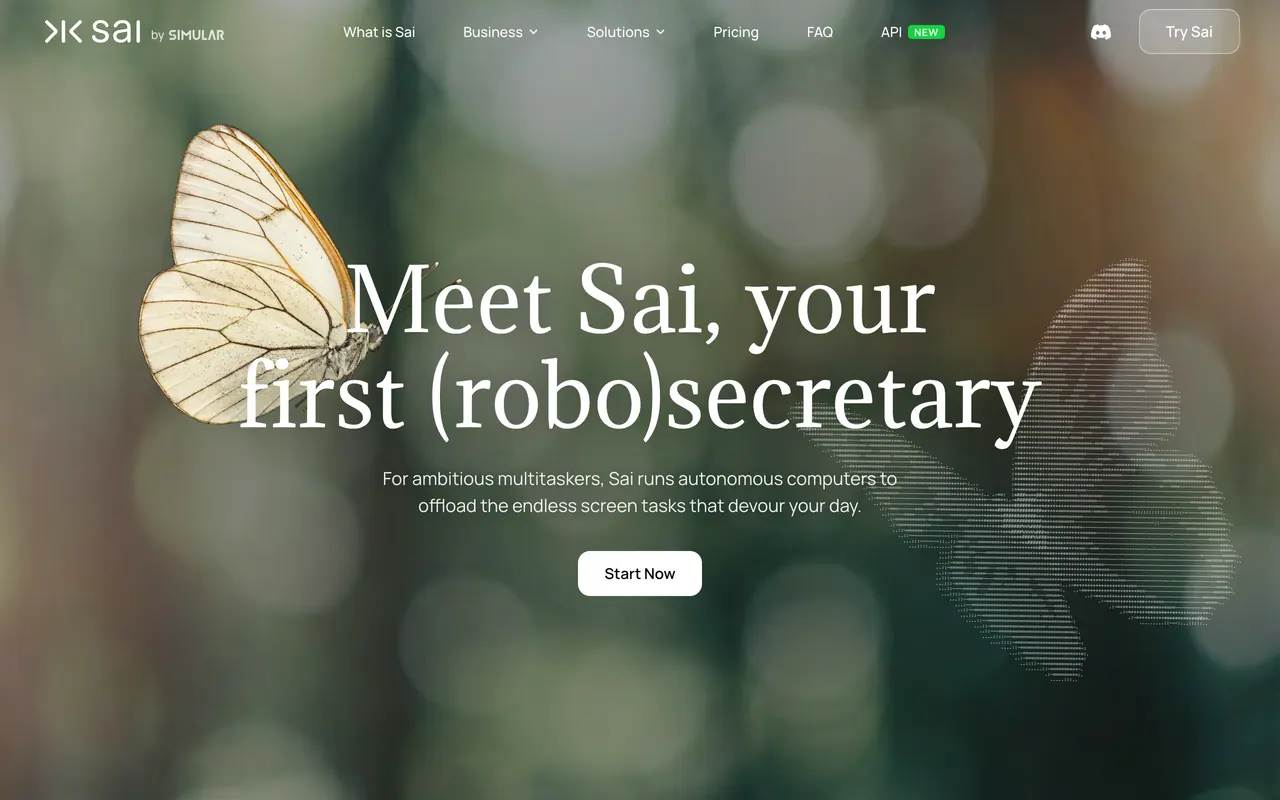
Sai
Simular's computer-use agent for repetitive screen work on a cloud computer or your own Mac or Windows PC.
Sai is Simular's computer-use agent: you describe repetitive computer work in plain language, and it clicks and types through apps on a cloud computer or on your own Mac or Windows device. Its pricing page lists a free plan with daily credits, Pay as you go at $50 a month and Sai Unlimited at $500 a month.
About Sai
Sai turns a private cloud virtual machine or your own device into a computer that operates itself: the agent reasons and acts inside real interfaces, clicking and typing through browsers and desktop apps, and works across desktop apps, web browsers, file systems and terminals, including software that has no API. Simular's launch post announced Sai as generally available and says it wakes a fleet of autonomous computers, does the work and texts you when it is finished.
Running on its own cloud desktop, Sai does not need your laptop open; you approve its critical steps and get results via iMessage, SMS or Telegram, and its virtual machine keeps your setup, logins, preferences and context between sessions. With BYOD, Sai runs on your own device instead, and the FAQ names Mac mini, macOS and Windows. Simular says repeated tasks get faster and cheaper because Sai compiles a worked-out procedure into code and replays it, going back to the model when the environment changes.
The free Explore plan has a daily credit allowance and limited access to a cloud-based Windows computer. Pay as you go, at $50 a month, includes 50,000 credits ($50 of usage) for AI models and computer time, a dedicated Windows or Linux cloud computer billed only while it runs, and up to 5 cloud computers at once. Sai Unlimited, at $500 a month, has unlimited AI usage within fair-use guidelines and an always-on cloud computer, and Enterprise is priced on request, with SSO, RBAC and SOC2 listed.
Sources: simular.ai, sai.work, sai.work/pricing and /articles/sai-your-first-robosecretary, read 2026-10-27
Sai pros and cons
Pros
- Tasks can keep running on Sai's cloud computer while your laptop is closed.
- It works through graphical interfaces, so it can handle software that has no API.
- Important actions wait for your approval, and you can answer from your phone.
- A free plan with credits refreshed daily lets you build a first workflow.
Cons
- The free plan gives only limited access to a cloud-based Windows computer.
- On Pay as you go, AI models and cloud computer time share 50,000 credits a month ($50 of usage), and more use means topping up.
- Under heavy usage, Sai Unlimited may shift Sai to an efficiency-optimized mode.
- Sai Unlimited covers one workspace, and additional workspaces are upgraded separately.
Tagged
- Agentic Mode
Sai alternatives
The closest alternatives to Sai.
- 01Paid →Grok Bot
AI teammates with their own cloud computer that sign in to your tools and come back with finished work.
- 02→Kimi Work
Kimi's desktop agent for Windows and Mac: local files, scheduled jobs and browser automation.
- 03Freemium →AutoClaw
Z.ai's desktop AI agent for Windows, macOS and Linux that works across files, browsers and tools.
Related reading
Featured on Vibedonalds
Own Sai? Add this badge to your site to show you’re listed — and link back to your profile here.

<a href="https://vibedonalds.com/tools/sai" target="_blank" rel="noopener nofollow">
  <img src="https://vibedonalds.com/badge/featured-on-vibedonalds.svg" alt="Sai — Featured on Vibedonalds" width="240" height="60" loading="lazy" />
</a>Frequently asked questions
- What platforms does Sai support?
- Sai's own site lists it for macOS and Windows.
- What are the alternatives to Sai?
- The closest alternatives to Sai are Grok Bot, Kimi Work, AutoClaw.
- What are the downsides of Sai?
- The free plan gives only limited access to a cloud-based Windows computer. On Pay as you go, AI models and cloud computer time share 50,000 credits a month ($50 of usage), and more use means topping up. Under heavy usage, Sai Unlimited may shift Sai to an efficiency-optimized mode. Sai Unlimited covers one workspace, and additional workspaces are upgraded separately.
- What is Sai?
- Sai is Simular's computer-use agent, which Simular calls a robosecretary: it turns a private cloud VM or your own device into a computer that operates itself and clicks and types through browsers and desktop apps the way you would.
- Is Sai free?
- Sai has a free Explore plan with credits refreshed daily and limited access to a cloud-based Windows computer, and Simular's launch post says it is free to start. The paid plans are Pay as you go at $50 a month and Sai Unlimited at $500 a month.
- Can Sai run on my own computer?
- With BYOD, short for Bring Your Own Device, Sai runs on your own machine, and the FAQ names Mac mini, macOS and Windows. On the paid plans, running Sai on your own Mac or Windows machine counts only AI usage, with no computer cost.
- How do I check on Sai away from my desk?
- Sai's FAQ says you can approve its critical steps and get results on the go via iMessage, SMS or Telegram while it works on its own cloud desktop.
- Who makes Sai?
- Sai is made by Simular, whose homepage calls it the company's flagship product, and sai.work describes Simular as Sai's parent company.