Atomic Chat
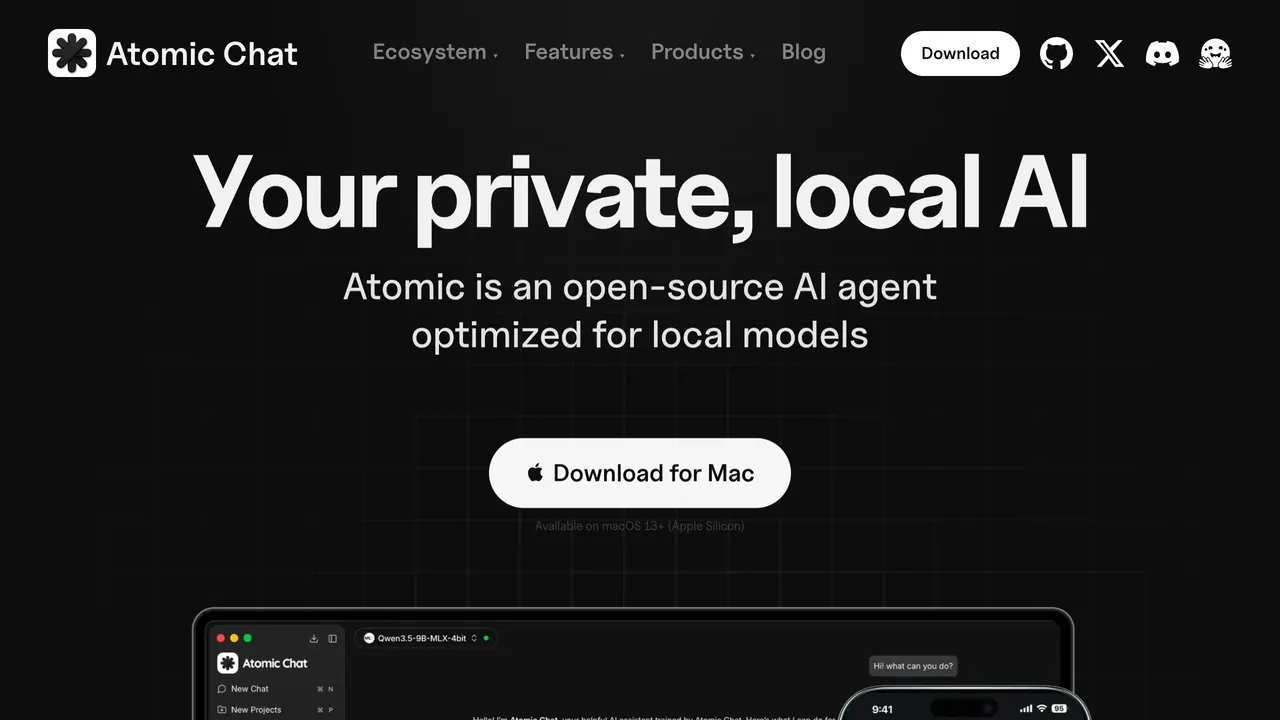
Free, open-source app that runs open models such as Llama, Qwen and DeepSeek offline on desktop and mobile.
Atomic Chat is a free, open-source (Apache-2.0) app that downloads open models such as Llama, Qwen and DeepSeek to your device and runs them there, offline after the first download, on macOS, Windows, Linux, iOS and Android. It has no subscription, no per-message fee and no usage cap, and needs no account.
About Atomic Chat
Models download to your disk once and then run on your GPU's VRAM or your CPU. The pages name Llama, Qwen, DeepSeek, Mistral, Gemma and Phi among 1,000+ models that can be browsed from Hugging Face and downloaded in one click, with GGUF, MLX and ONNX supported.
Chats and projects are organised with persistent memory across sessions, and a local OpenAI-compatible endpoint lets agent tools like OpenClaw or Hermes run on-device with no API keys or per-token billing. The homepage also sets up agents such as Hermes, OpenClaw and Cline in one click.
As an MCP client it accepts any MCP server over STDIO, HTTP or SSE: you paste a server config in Settings once and its tools become available in every chat, for local or cloud models. The connectors page names Notion, Google Drive, Slack, GitHub, Figma and Supabase, and points to mcp.so and the official modelcontextprotocol/servers repository for more.
Google's TurboQuant is built in: the homepage says it compresses the KV cache by at least 6× with no loss in output quality, and the FAQ says it lets bigger models run on everyday hardware. Desktop builds cover macOS 13.6+ on Intel and Apple Silicon, Windows x64 and ARM64, and Linux x86_64; the mobile apps are on the App Store and Google Play.
Sources: atomic.chat, /offline-ai, /downloads and /mcp-connectors, read 2026-10-26
Atomic Chat pros and cons
Pros
- Documents such as contracts or medical records can be analysed entirely on the device, with nothing uploaded to a server.
- Proprietary code can be explained, debugged and refactored by a local model without leaving the machine.
- Atomic Chat doesn't proxy or log MCP tool calls; they go straight from your machine to the server you connected.
- The code is open: the homepage says you can inspect every line, and the project links to it on GitHub.
Cons
- Larger models benefit from more memory or a GPU; the FAQ says most modern laptops run small to mid-size models comfortably.
- Data leaves the device if you pick a cloud model or an MCP server that wraps a web API; only local models with local servers keep everything on the machine.
- You still need a connection to download new models or update the app.
- The Mac app needs macOS 13.6 or later.
Tagged
- Supports Local Models
Atomic Chat alternatives
The closest alternatives to Atomic Chat.
- 01Freemium →LM Studio
Desktop app for running LLMs locally with a CLI and SDK, plus Bionic, a separate agent app with cloud models.
- 02Freemium →Ollama
Open-model runner for your own computer or Ollama's cloud, with a CLI, Mac and Windows apps and an API.
- 03Freemium →Msty
Desktop AI workspace for local and online models, with Msty Go agents and a Nexus model gateway alongside.
- 04Freemium →Chatbox
Multi-model AI chat app for desktop, mobile and web, used with your own API keys or a hosted Chatbox AI plan.
Related reading
Featured on Vibedonalds
Own Atomic Chat? Add this badge to your site to show you’re listed — and link back to your profile here.

<a href="https://vibedonalds.com/tools/atomic-chat" target="_blank" rel="noopener nofollow">
  <img src="https://vibedonalds.com/badge/featured-on-vibedonalds.svg" alt="Atomic Chat — Featured on Vibedonalds" width="240" height="60" loading="lazy" />
</a>Frequently asked questions
- What is Atomic Chat?
- Atomic Chat is a free, open-source app that runs open models such as Llama, Qwen and DeepSeek offline on desktop and mobile.
- What platforms does Atomic Chat support?
- Atomic Chat's own site lists it for macOS, Windows, Linux, iOS and Android.
- What are the alternatives to Atomic Chat?
- The closest alternatives to Atomic Chat are LM Studio, Ollama, Msty, Chatbox.
- What are the downsides of Atomic Chat?
- Larger models benefit from more memory or a GPU; the FAQ says most modern laptops run small to mid-size models comfortably. Data leaves the device if you pick a cloud model or an MCP server that wraps a web API; only local models with local servers keep everything on the machine. You still need a connection to download new models or update the app. The Mac app needs macOS 13.6 or later.
- Is Atomic Chat free?
- Yes, its FAQ says Atomic Chat is free and open-source under the Apache-2.0 license, with no subscription, no per-message fee and no usage cap.
- Is Atomic Chat on GitHub?
- Yes, the 'Built in the open' section on its pages links to the code on GitHub and invites you to follow the project and file issues.
- Does Atomic Chat run on Windows and Android?
- Yes, downloads are listed for Windows x64 and ARM64, Linux x86_64 and macOS 13.6+ on Intel and Apple Silicon, plus iOS on the App Store and Android on Google Play.
- How is Atomic Chat different from Ollama?
- Atomic Chat's own comparison says Ollama and LocalAI suit developers, while Atomic Chat covers all of it in one app, on every device, with no setup. Its table lists Atomic Chat as Apache-2.0 and free, with iOS and Android apps.
- Does Atomic Chat work without internet?
- Yes, after a model is downloaded once, chatting, document analysis and the local API run with Wi-Fi off. A connection is needed only to download new models or update the app, or for MCP servers that call a web service.