OpenBot
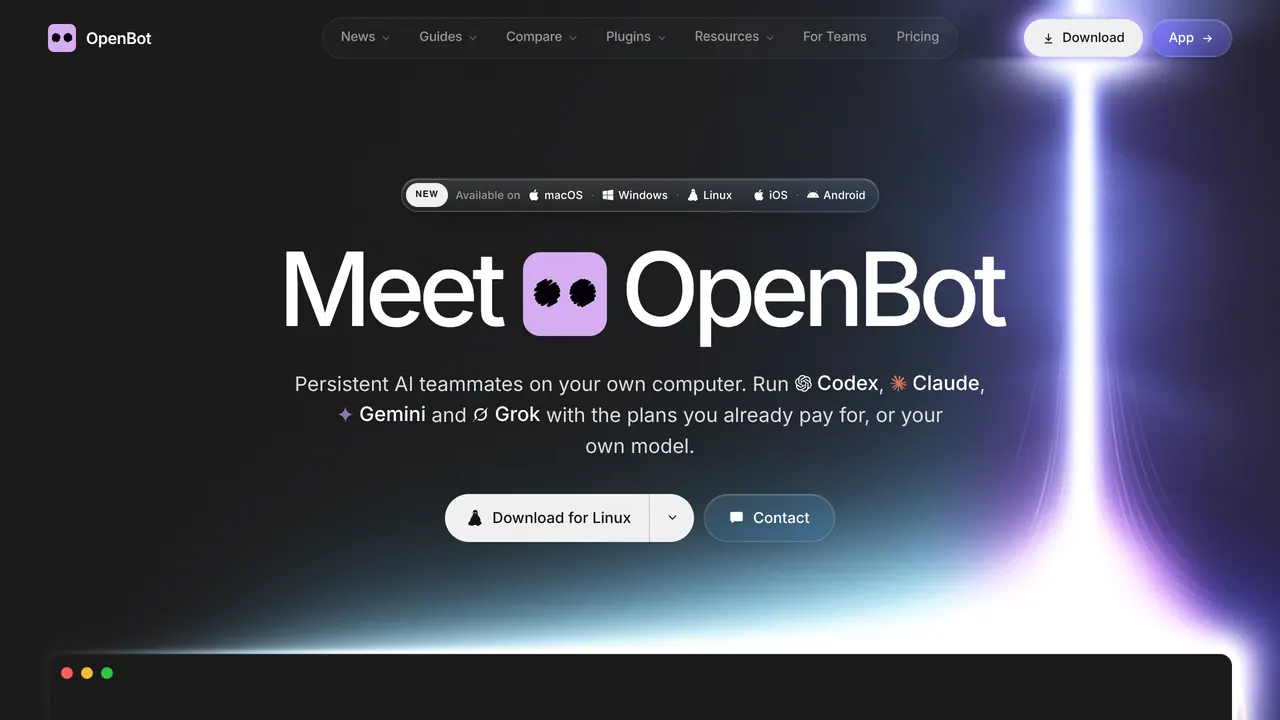
Desktop app that runs a team of AI agents on your computer with your Codex, Claude, Gemini or Grok plans.
OpenBot is a desktop app for macOS, Windows and Linux that runs a team of AI agents, such as Codex, Claude Code, Gemini and Grok, on your own computer with the AI plans you already pay for. The app costs $0 with no locked features, but free use covers noncommercial work only: commercial use needs a separate license.
About OpenBot
Each agent has its own name, instructions and workspace, and agents send each other messages, hand off tasks and share files in shared channels. They open, read and control pages in a browser built into OpenBot, and you can queue more work while an agent is busy. An agent keeps its workspace and conversation when you restart the app or move it to another provider, and it can switch to a backup model when its plan reaches its limit or its provider is down.
OpenBot runs Codex, Claude Code, Gemini, Grok, OpenCode, Cursor, Cline, Muse Code and Pi, Inception's Mercury models, any agent that speaks the Agent Client Protocol such as Goose or Qwen Code, any OpenAI-compatible endpoint and local models in Ollama or LM Studio. Codex signs in with a ChatGPT plan and Claude Code with a Claude plan, Gemini uses a Google AI Pro or Ultra plan, and OpenCode has free models that need no account.
Workspaces, conversations, attachments and browser data stay on the computer that runs OpenBot, while the AI provider you choose receives the prompts your agents send. The iPhone app, a TestFlight public beta, and the Android app connect to that computer over an encrypted connection so you can chat with agents and send them files, and the comparison page adds a web app and agents that answer in Slack, Discord and Telegram.
The desktop app needs macOS 13 or newer on Apple silicon or Intel, Windows 10 or newer on x64, or Linux on x64 or arm64 as an AppImage, and it updates itself. On Ubuntu 24.04 or 26.04 it can also run as an always-on server. OpenBot for Teams runs it on managed servers set up around a company's team and tools, and the comparison page lists a paid hosted EU server.
Sources: openbot.run, /download, /download/ios, /download/macos, /download/linux, /download/windows, /download/android and /compare/best-ai-agent-apps, read 2026-10-26
OpenBot pros and cons
Pros
- You pay only your AI provider, through the plan or API key you already have, and the app has no locked features.
- One team can mix agents from different providers, including local models in Ollama or LM Studio, which need no internet connection.
- Workspaces, conversations, files and browser data stay on your computer, not on OpenBot's servers.
- The phone apps connect directly to your computer when they can, with no VPN or tunnel to set up and no cloud storing your chats or files.
Cons
- OpenBot is a development preview: agents can read and change files, run commands, use the network and control the built-in browser without asking each time.
- The license is PolyForm Noncommercial 1.0.0, so free use is limited to noncommercial work such as personal projects, study or research.
- The mobile apps work only while a computer or server running OpenBot is on, and remote access needs an OpenBot account.
- There is no Windows on Arm build yet, and on Ubuntu 23.10 or newer and Debian 13 OpenBot exits at launch until you install its AppArmor profile.
Tagged
- Open Source
OpenBot alternatives
The closest alternatives to OpenBot.
Related reading
Featured on Vibedonalds
Own OpenBot? Add this badge to your site to show you’re listed — and link back to your profile here.

<a href="https://vibedonalds.com/tools/openbot" target="_blank" rel="noopener nofollow">
  <img src="https://vibedonalds.com/badge/featured-on-vibedonalds.svg" alt="OpenBot — Featured on Vibedonalds" width="240" height="60" loading="lazy" />
</a>Frequently asked questions
- What is OpenBot?
- OpenBot is a desktop app that runs a team of AI agents on your computer with your Codex, Claude, Gemini or Grok plans.
- What platforms does OpenBot support?
- OpenBot's own site lists it for macOS, Windows, Linux, iOS, Android and Web.
- What are the alternatives to OpenBot?
- The closest alternatives to OpenBot are Grok Bot, Kimi Work, Plow Latch.
- What are the downsides of OpenBot?
- OpenBot is a development preview: agents can read and change files, run commands, use the network and control the built-in browser without asking each time. The license is PolyForm Noncommercial 1.0.0, so free use is limited to noncommercial work such as personal projects, study or research. The mobile apps work only while a computer or server running OpenBot is on, and remote access needs an OpenBot account. There is no Windows on Arm build yet, and on Ubuntu 23.10 or newer and Debian 13 OpenBot exits at launch until you install its AppArmor profile.
- Is OpenBot free?
- Yes for noncommercial use: the app costs $0 with no locked features, and you pay only your AI provider. Commercial use needs a separate license, and the comparison page lists a paid hosted EU server.
- Is OpenBot open source, and where is it on GitHub?
- OpenBot calls itself open source: all of its source code is public on GitHub, and you can change and run it for free for noncommercial use under the PolyForm Noncommercial 1.0.0 license. The Linux server install script is served from the nightly-labs/openbot repository.
- Does OpenBot work with Ollama?
- Yes: it can use local models in Ollama or LM Studio, and a local model needs no internet connection. It can also connect any OpenAI-compatible endpoint.
- How do I download OpenBot?
- The download page offers a DMG notarized by Apple for macOS 13 Ventura or later, an .exe installer for Windows 10 or 11 on x64, and an AppImage for 64-bit Linux on x64 or arm64. The iPhone app installs through TestFlight and the Android app from Google Play.
- Can I use my ChatGPT or Claude plan with OpenBot?
- Yes: Codex signs in with your ChatGPT plan and Claude Code with your Claude plan, while Gemini uses a Google AI Pro or Ultra plan. When a plan reaches its limit, an agent can move to a backup model on another provider and keep its chat and workspace.