Llama
Free, open-source Mac and Windows app that runs open models locally, with chat and an OpenAI-compatible API.
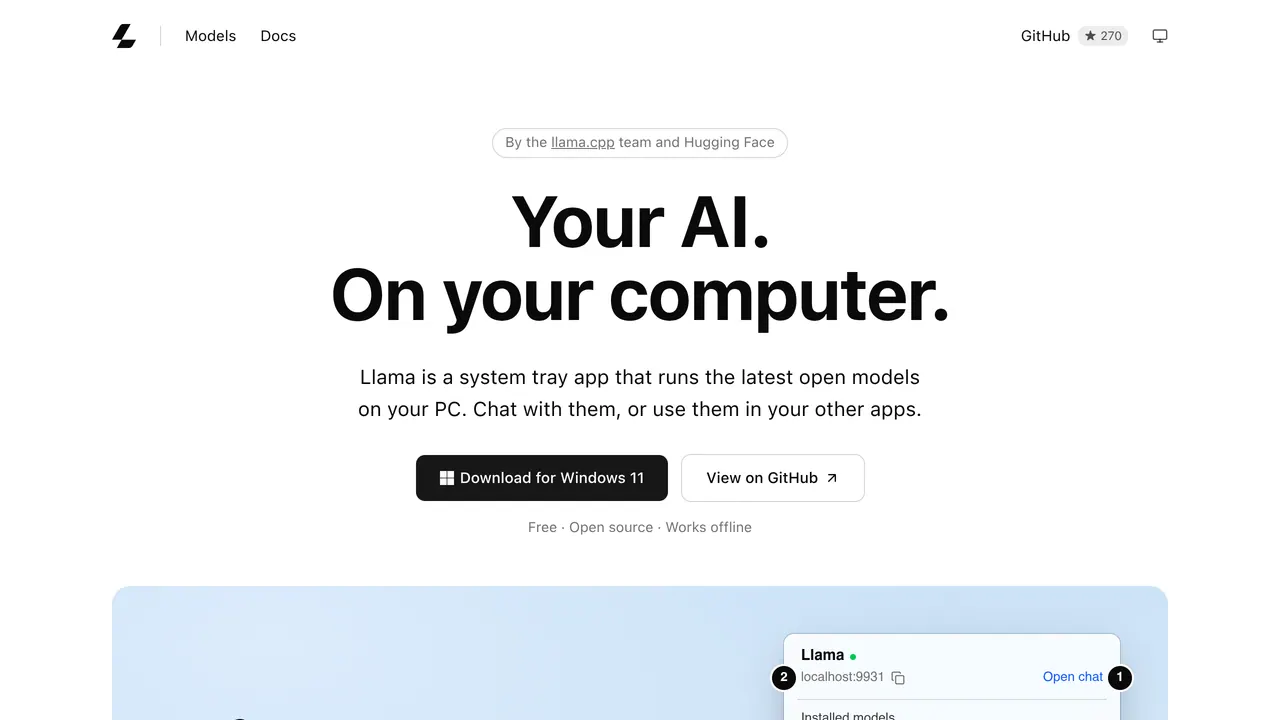
Llama, from the llama.cpp team and Hugging Face, is a menu bar app on Mac and a system tray app on Windows that downloads and runs open models on your computer, for chat in the browser or for other apps through a local API. It is a free, open-source 1 MB download that works offline.
About Llama
Llama checks your computer and sets up each model to run well on it, based on how llama.cpp works, so you only pick which model to talk to; every llama.cpp setting is still available in one plain-text file. It suggests models that fit your machine and installs them in one click: Gemma 4 for 16 GB of memory or more, GPT-OSS for 24 GB, Qwen 3.8 for 32 GB. Models load when something asks for one and unload after 5 minutes idle, and each is stored once in the Hugging Face cache, shared with llama.cpp and other tools.
The local API at localhost:9931 speaks the OpenAI API and also has an Anthropic-compatible /v1/messages endpoint and native llama.cpp endpoints, with streaming, tool calling, structured output and vision. An app that works with OpenAI needs only a changed base URL, and the homepage says that means no API keys and no usage bills. The same engine comes as commands, llama cli for chat in the terminal and llama serve for a server with a web interface, and the API can be reached from your other devices over Tailscale.
The docs show Llama serving models to the Pi coding harness, the OpenAI Codex CLI and the ChatGPT desktop app, the last two via a Codex config pointing at the local server, and say any OpenAI-compatible agent can use it; for agents they recommend models with a context window of at least 32k tokens. On Linux, a command-line version installs with a one-line script, and Brew and Winget packages are offered. Apps can rely on Llama instead of bundling an engine, with a one-click link installing the model they need.
Sources: llama.app, /download/windows, /docs/api, /docs/agents and /docs/introduction, read 2026-10-27
Llama pros and cons
Pros
- Llama chooses quantization, context size, image input, speculative decoding and batch size for each model automatically, based on your memory and the model.
- Apps that use Llama share its local API, so one copy of each model serves all of them instead of each app bundling its own engine.
- OpenAI- and Anthropic-compatible endpoints let existing OpenAI SDKs, Anthropic SDKs and coding agents point at it.
- Models you already downloaded for llama.cpp show up in Llama automatically.
Cons
- The desktop app is for Mac and Windows only; on Linux there is just the command-line version.
- Larger models take a lot of disk space and memory: the homepage lists Qwen 3.8 27B at about 19 GB and suggests Qwen 3.8 for machines with 32 GB of memory or more.
- For coding agents, the docs advise models with a context window of at least 32k tokens, because agents fill context quickly.
Tagged
- Self-hostable
- Supports Local Models
Llama alternatives
The closest alternatives to Llama.
Related reading
Featured on Vibedonalds
Own Llama? Add this badge to your site to show you’re listed — and link back to your profile here.

<a href="https://vibedonalds.com/tools/llama-windows" target="_blank" rel="noopener">
  <img src="https://vibedonalds.com/badge/featured-on-vibedonalds.svg" alt="Llama — Featured on Vibedonalds" width="240" height="60" loading="lazy" />
</a>Frequently asked questions
- What is Llama?
- Llama is a free, open-source Mac and Windows app that runs open models locally, with chat and an OpenAI-compatible API.
- Is Llama free?
- Llama is free to use. There is no paid tier as of the last index update.
- What platforms does Llama support?
- Llama's own site lists it for macOS, Windows, Linux and CLI.
- What are the alternatives to Llama?
- The closest alternatives to Llama are Unsloth Desktop, Osaurus.
- What are the downsides of Llama?
- The desktop app is for Mac and Windows only; on Linux there is just the command-line version. Larger models take a lot of disk space and memory: the homepage lists Qwen 3.8 27B at about 19 GB and suggests Qwen 3.8 for machines with 32 GB of memory or more. For coding agents, the docs advise models with a context window of at least 32k tokens, because agents fill context quickly.
- Is Llama free?
- Yes: the homepage calls it 'Free, open source, and yours to keep', and the app is a 1 MB download that works offline. Models are downloaded once and shared by your apps, and a large one such as Qwen 3.8 27B takes about 19 GB.
- Does Llama run on Linux?
- Not as a desktop app: Llama app is available for Mac and Windows, and on Linux the homepage offers a command-line version installed with a one-line script. Its llama cli and llama serve commands give chat in the terminal and a server with a web interface.
- Can I use Llama with coding agents like Codex?
- Yes: the docs show how to pair it with Pi and with the OpenAI Codex CLI and ChatGPT desktop app through ~/.codex/config.toml, and any OpenAI-compatible agent can use http://127.0.0.1:9931/v1. They recommend models with at least 32k tokens of context for agents.
- What API does Llama expose?
- A local REST API on localhost:9931 with OpenAI-compatible endpoints under /v1, an Anthropic-compatible /v1/messages endpoint and native llama.cpp endpoints. It supports streaming, tool calling, JSON or schema-constrained output, embeddings and reranking with suitable models, and image and audio input.
- Which model should I start with in Llama?
- Llama suggests one that fits your machine when you open it. The homepage starts with Gemma 4 for 16 GB of memory or more, for everyday questions, writing and images; GPT-OSS for 24 GB, for step-by-step reasoning; and Qwen 3.8 for 32 GB, for code, reasoning and long documents.