Hush
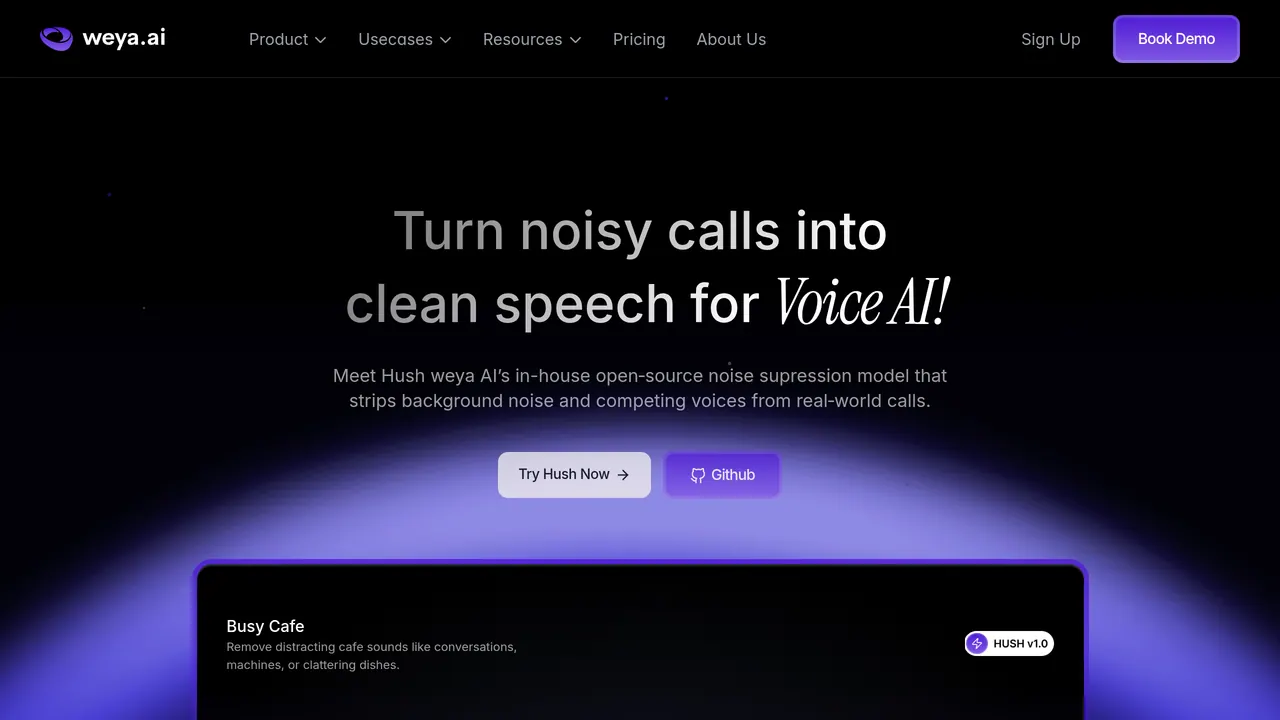
Open-source Weya AI model that strips background noise and competing voices from call audio in real time.
Hush is Weya AI's open-source speech enhancement model for voice AI: it isolates the main caller in a live audio stream and suppresses background noise and competing speakers in real time. The 8 MB model is released under the Apache 2.0 licence, with the weights on Hugging Face and the full source code on GitHub.
About Hush
Hush is designed for phone-based voice agents, call centre bots, voice assistants, real-time transcription pipelines and conversational AI systems. It isolates exactly one speaker from a live audio stream, pushing background talk, TV noise, traffic, office buzz and street sounds aside so speech recognition hears the caller.
The model is built on DeepFilterNet and trained on more than 10,000 hours of mixed speech, noise and competing speakers. It works on 16 kHz audio, which the model card calls telephony-native for G.711, WebRTC and SIP, and its algorithmic latency is about 20 ms, fully causal with zero lookahead.
The Hugging Face repository holds a PyTorch checkpoint and an ONNX production bundle. For production without PyTorch, Weya points to its prebuilt Weya NC Standalone library, with binaries for Linux, macOS on Apple Silicon and Windows; training scripts and deployment examples are on GitHub. Weya, which sells AI voice and chat agents, lists Hush among the key audio features of its Voice AI product.
Sources: weya.ai/hush, /pricing, /product/voice-ai and huggingface.co/weya-ai/hush, read 2026-10-27
Hush pros and cons
Pros
- Runs in real time on a CPU alone: Weya says it cleans each 10 ms of audio in under 1 ms on standard CPUs, with no GPU needed.
- At about 8 MB, Weya says it is light enough to deploy in your own cloud or data center.
- The model card calls it language-agnostic: it operates on the acoustic signal directly and works for any spoken language.
Cons
- Audio must be 16 kHz: the model was trained and evaluated only at that rate, and other sample rates need resampling.
- Very loud competing speakers may not be fully suppressed, since training used background speakers at 12–24 dB SIR; Weya says it is fine-tuning a new model for louder environments.
- It gives no separate background-speaker track: the separation head is used only in training.
Tagged
- Web-based
- Open Source
Hush alternatives
More from AI Video & Voice.
- 01→Hotel Lobby Studio
Create original orange-booth duet videos and duo portraits from two consenting adults’ photos using paid credits.
- 02→Takes for Mac
Record talking-head videos. Claude Code does the edit.
- 03→ngram 2.0
Create explainers, screencasts, and AI avatar videos
- 04→Google EmbeddingGemma 2
An open, lightweight multimodal embedding model
- 05Freemium →Refs
Archive of 4,116 films measured cut by cut into blueprints and prompt recipes, with an MCP server for Claude.
- 06→Pegasus 1.6 by TwelveLabs
Transforms egocentric video into robot training data
Related reading
Featured on Vibedonalds
Own Hush? Add this badge to your site to show you’re listed — and link back to your profile here.

<a href="https://vibedonalds.com/tools/hush" target="_blank" rel="noopener nofollow">
  <img src="https://vibedonalds.com/badge/featured-on-vibedonalds.svg" alt="Hush — Featured on Vibedonalds" width="240" height="60" loading="lazy" />
</a>Frequently asked questions
- What is Hush?
- Hush is an open-source Weya AI model that strips background noise and competing voices from call audio in real time.
- Is Hush free?
- Hush is free to use. There is no paid tier as of the last index update.
- What platforms does Hush support?
- Hush's own site lists it for Linux, macOS and Windows.
- What are the alternatives to Hush?
- Similar tools in AI Video & Voice on vibedonalds: Hotel Lobby Studio, Takes for Mac, ngram 2.0, Google EmbeddingGemma 2.
- What are the downsides of Hush?
- Audio must be 16 kHz: the model was trained and evaluated only at that rate, and other sample rates need resampling. Very loud competing speakers may not be fully suppressed, since training used background speakers at 12–24 dB SIR; Weya says it is fine-tuning a new model for louder environments. It gives no separate background-speaker track: the separation head is used only in training.
- Is Hush open source?
- Yes: the Hugging Face repository weya-ai/hush is licensed Apache 2.0 and holds a PyTorch checkpoint and an ONNX production bundle, and the model card says the full source code, training scripts, deployment examples and documentation are on GitHub.
- What hardware does Hush need?
- A CPU: the model card says it runs on CPU only, with no GPU required, and Weya says each 10 ms of audio takes under 1 ms on standard CPUs. Input must be 16 kHz audio. Prebuilt binaries of the Weya NC Standalone library are available for Linux, macOS on Apple Silicon and Windows.
- What is Hush used for?
- Voice AI: phone-based voice agents, call centre bots, voice assistants, real-time transcription pipelines and conversational AI systems. It isolates the main caller and suppresses background noise and competing voices so that speech recognition hears the person who matters.
- Does Hush work in any language?
- The model card says Hush is language-agnostic: it operates on the acoustic signal directly and works for any spoken language.
- Who makes Hush, and what does it cost?
- Weya AI, which sells AI voice and chat agents and lists Hush among the key audio features of its Voice AI product. Hush itself is released under the Apache 2.0 licence; Weya's pricing page covers its agents, pay as you go from $0.12 a minute for voice and $0.062 a session for chat.