5 Best GitHub Copilot Alternatives in 2026
Cursor is our first pick if you want to leave Copilot for an agent-first app: a coding agent with a desktop app for macOS, Windows and Linux, a CLI and cloud agents. Devin Desktop is the new name for Windsurf. Cline and Aider are open source and work with your own API keys.
We picked these from the Vibedonalds directory and grouped them by what each offers instead of Copilot: an agent-first app, one command center for several agents, or open-source code that runs on your own API keys. Every statement about a tool was re-checked against its maker's own pages in October 2026, and there are no hands-on benchmarks here.
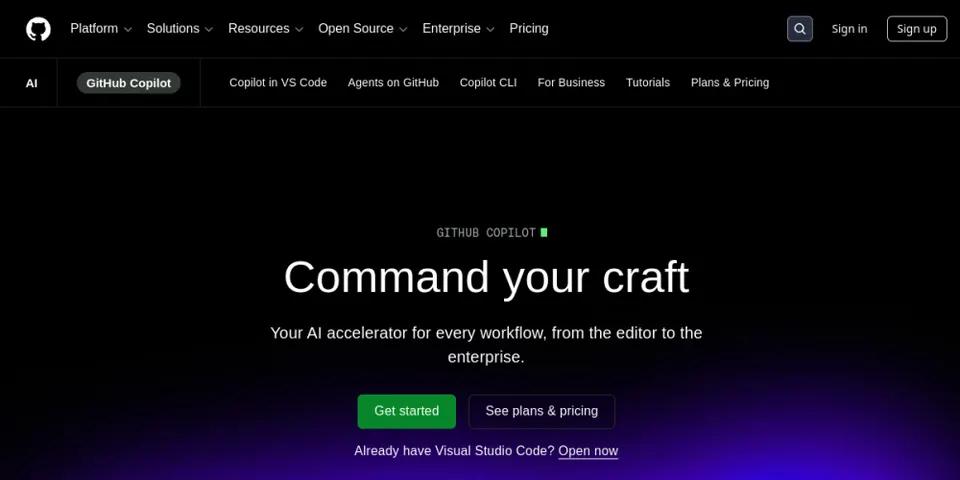
GitHub Copilot alternatives at a glance
| Tool | Best for | Output / stack | Source export | Platform |
|---|---|---|---|---|
| GitHub Copilot | Issue-to-pull-request work on GitHub | Completions, chat, agent mode, cloud agent, code review | Pull requests on GitHub | VS Code, Visual Studio, JetBrains, Xcode and more; CLI; macOS desktop app |
| Cursor | An agent-first desktop app with cloud agents | Desktop app, CLI, cloud agents, Bugbot reviews | Git checkpoints; Origin code hosting from Premium | Mac, Win, Linux; CLI; web; iOS beta |
| Devin Desktop (formerly Windsurf) | Running many agents from one command center | IDE with Tab completions and an Agent Command Center | Subagents each produce their own PRs | Mac, Win, Linux; JetBrains plugin; CLI |
| Cline | An open-source agent with your own model | Plan and Act agent; BYOK or Cline credits | Open source; the client runs locally | VS Code, JetBrains and more; CLI; desktop app |
| Aider | Git-native pair programming in the terminal | Terminal pair programmer for almost any LLM | Open source (Apache 2.0); commits each edit to git | Terminal on Mac, Win, Linux; also runs in your browser |
| Continue | Open-source autocomplete and agent with your own models | Agent, Chat, Edit and Autocomplete modes | Open source (Apache 2.0), on GitHub | VS Code, JetBrains; CLI |
GitHub Copilot Free is $0 and includes 2,000 completions a month; Pro is $10, Pro+ $39 and Max $100 per user per month. Cursor has a Free plan, Plus at $8 a month (Grok models only), and Premium at $30, Super at $100 and Ultra at $200 a month, where third-party models are billed separately. Devin Desktop's Free plan is $0, Pro $20 a month and Max $200 a month. Cline is free for individual developers and you pay only for model inference; Aider and Continue are open source under the Apache 2.0 license. Prices are as listed on each vendor's site in October 2026.
Which Copilot alternative is an agent-first app?
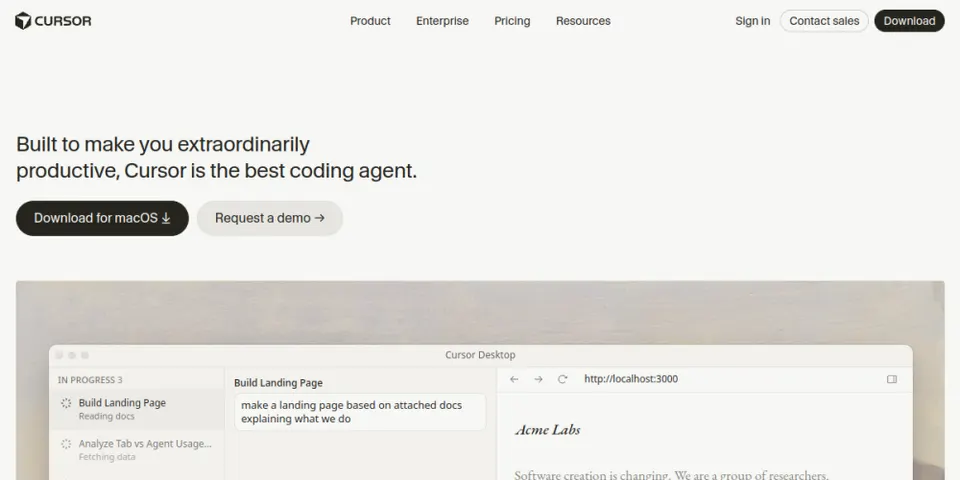
Cursor is a coding agent for building software, with an agent-first desktop app for macOS, Windows and Linux, a CLI and cloud agents. For complex tasks Cursor asks clarifying questions, builds a plan and then executes in the background, and cloud agents use their own computers to build, test and demo features end to end for you to review. A company post on cursor.com dated Aug 14, 2026 is titled 'Cursor is now a part of SpaceX', and plans are sold as X subscriptions.
- Best for:
- handing features to an agent that plans, builds and tests them, in the app or in the cloud.
- Limitation:
- Plus at $8 a month covers Grok models only, and from Premium at $30 a month up, third-party models are billed separately at API list price.
What is Devin Desktop, the editor formerly called Windsurf?
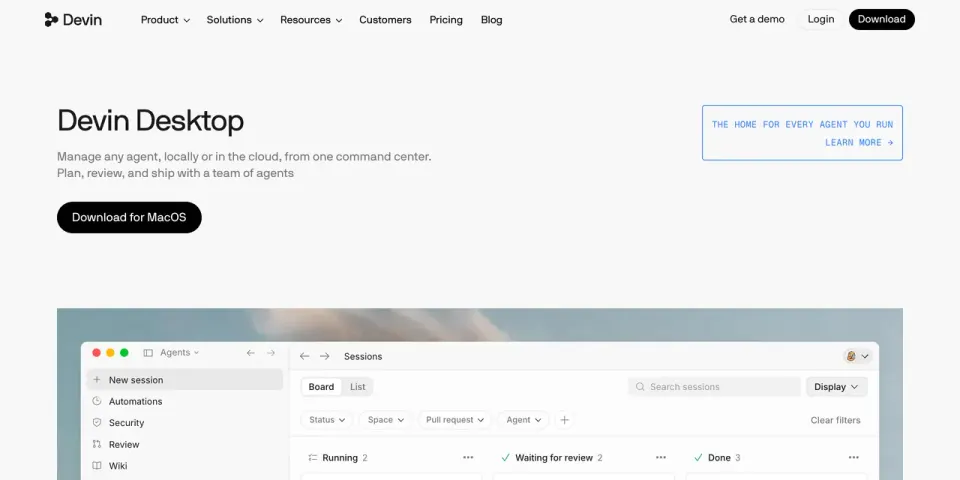
Devin Desktop is the new name for Windsurf: Cognition's AI IDE now leads with an Agent Command Center for running coding agents locally or in the cloud, and keeps the full IDE with Tab completions. Sessions run on your machine or in Devin Cloud and can move between the two with the same context, Devin can coordinate subagents that each produce their own pull requests, and Devin Review checks each diff from the editor. Windsurf users get it as a standard over-the-air update that carries over their plan, pricing, extensions and settings.
- Best for:
- running several coding agents, locally or in the cloud, from one command center.
- Limitation:
- the download page lists no VS Code extension, only the desktop app, a JetBrains plugin and the Devin CLI, and usage beyond a paid plan's allowance is bought at API pricing.

Which open-source agent runs in VS Code?
Cline is an open-source AI coding agent that reads and writes files, runs terminal commands and uses a browser, in VS Code and other editors, a CLI and a desktop app. It works in Plan and Act modes: you agree on a strategy in Plan, Act carries it out, and you approve each step or turn on auto-approve. You bring your own API keys or buy inference through Cline at cost, with free model options.
- Best for:
- an open agent in the editor you already use, with control over what you spend on models.
- Limitation:
- model inference is paid for separately, by usage or through ClinePass at a flat $9.99 a month, and the pricing page lists the JetBrains extension as an Enterprise feature.
Which alternative is open-source and git-native?
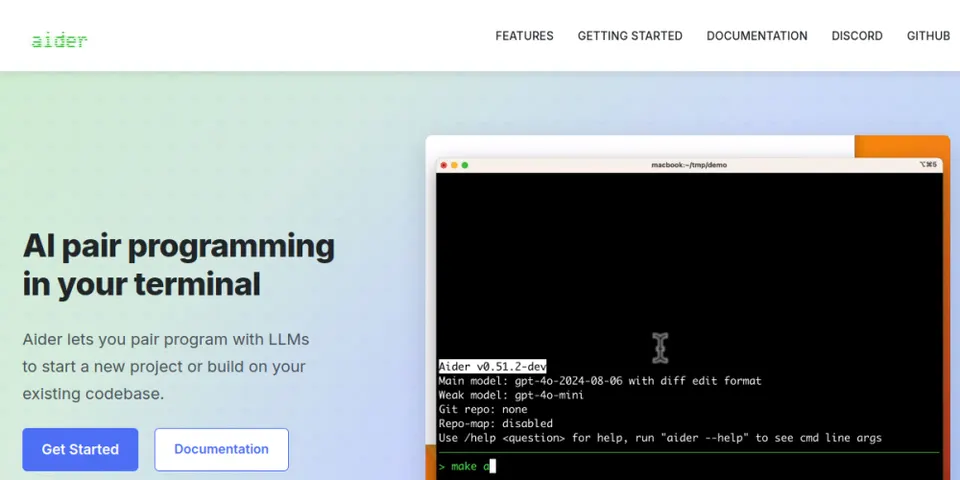
Aider is an open-source AI pair-programming tool that runs in your terminal, edits the files in your local git repo and commits each change with a descriptive message. It connects to almost any LLM, from cloud APIs to free OpenRouter models and local models via Ollama, and its docs list GitHub Copilot among the LLMs it can connect to. Aider can also run in your browser and respond to AI comments you add in your IDE or editor.
- Best for:
- a text-first workflow where every AI edit is a git commit you can diff or undo.
- Limitation:
- it works with one git repo at a time, and the FAQ says it is not optimized for quick response times in very large repos.

What about Continue, which has joined Cursor?
Continue is an open-source AI code assistant with extensions for VS Code and JetBrains and a terminal CLI, with Agent, Chat, Edit and Autocomplete modes. Its maker was acquired by Cursor and says all user data has been deleted, but Continue is Apache 2.0 licensed, and its source code and documentation remain freely available on GitHub. The docs list model providers including Anthropic, OpenAI, Gemini, Ollama, Amazon Bedrock, Azure and xAI, and local models run through Ollama if your computer has enough VRAM.
- Best for:
- running an Apache 2.0 assistant yourself, with your own API keys or local models.
- Limitation:
- the company behind it has joined Cursor, the CLI docs still ask you to log in with Continue or enter an Anthropic API key on first launch, and the docs warn that local models' limited tool calling and reasoning make Agent mode challenging.
Which GitHub Copilot alternative should you choose?
- For an agent-first desktop app with a CLI and cloud agents: Cursor.
- For several agents run locally or in Devin Cloud from one command center: Devin Desktop, formerly Windsurf.
- For an open-source agent in VS Code and other editors, on your own API keys: Cline.
- For pair programming in the terminal with every edit committed to git: Aider.
- For Apache 2.0 code with VS Code and JetBrains extensions and local models: Continue, whose maker has joined Cursor.
- To stay in the IDE you have: GitHub Copilot itself, whose Free plan includes 2,000 completions a month.
Frequently asked questions
- Is GitHub Copilot free?
- Yes: Copilot Free costs $0, needs no credit card and includes 2,000 completions a month and a limited allowance of GitHub AI Credits for chat and agents. Pro is $10, Pro+ $39 and Max $100 per user per month, and code completions stay unlimited on every paid plan.
- What's the best Copilot alternative for agentic coding?
- Our pick is Cursor: for complex tasks it asks clarifying questions, builds a plan and then executes in the background, and its cloud agents build, test and demo features for you to review. Copilot has agents of its own: agent mode in the editor, a cloud agent that researches, plans and writes code, and Copilot CLI in the terminal.
- Which Copilot alternatives are free?
- Cline is free for individual developers, and you pay only for AI inference, with your own API keys or Cline credits. Aider and Continue are open source under the Apache 2.0 license, and you bring the model. Cursor and Devin Desktop both have a $0 Free plan with limited agent use.
- Which alternative works in JetBrains?
- Devin Desktop offers the Windsurf plugin for JetBrains IDEs such as IntelliJ IDEA, PyCharm and WebStorm, and Continue's docs describe open-source extensions for VS Code and JetBrains. Cline's home page offers a JetBrains install, though its pricing page lists the JetBrains extension under Enterprise. Copilot itself runs in JetBrains IDEs, and Cursor says you can start its agents from JetBrains IDEs.
- Can I use my own models?
- Yes, with the open-source picks: Cline works with Claude, GPT, Gemini, local models through Ollama or LM Studio and any OpenAI-compatible endpoint; Aider can connect to almost any LLM, including local models; and Continue supports many model providers, including Ollama. Cursor's paid plans include Grok model usage, and from Premium up, third-party models are available at API list price.
- Does GitHub Copilot train on my code?
- On Free, Pro and Pro+, GitHub may use your inputs, outputs and code snippets to train its AI models unless you opt out in your account settings, and GitHub does not use Copilot Business or Enterprise data to train its models. Cursor guarantees that code data is not used for training by Cursor or its model providers when privacy mode is on.
- What happened to Windsurf and Codeium?
- Windsurf is now called Devin Desktop, and codeium.com now opens the Devin Desktop page too. Cognition says Devin Desktop arrives as a standard over-the-air update, and your plan, pricing, extensions and settings carry over.